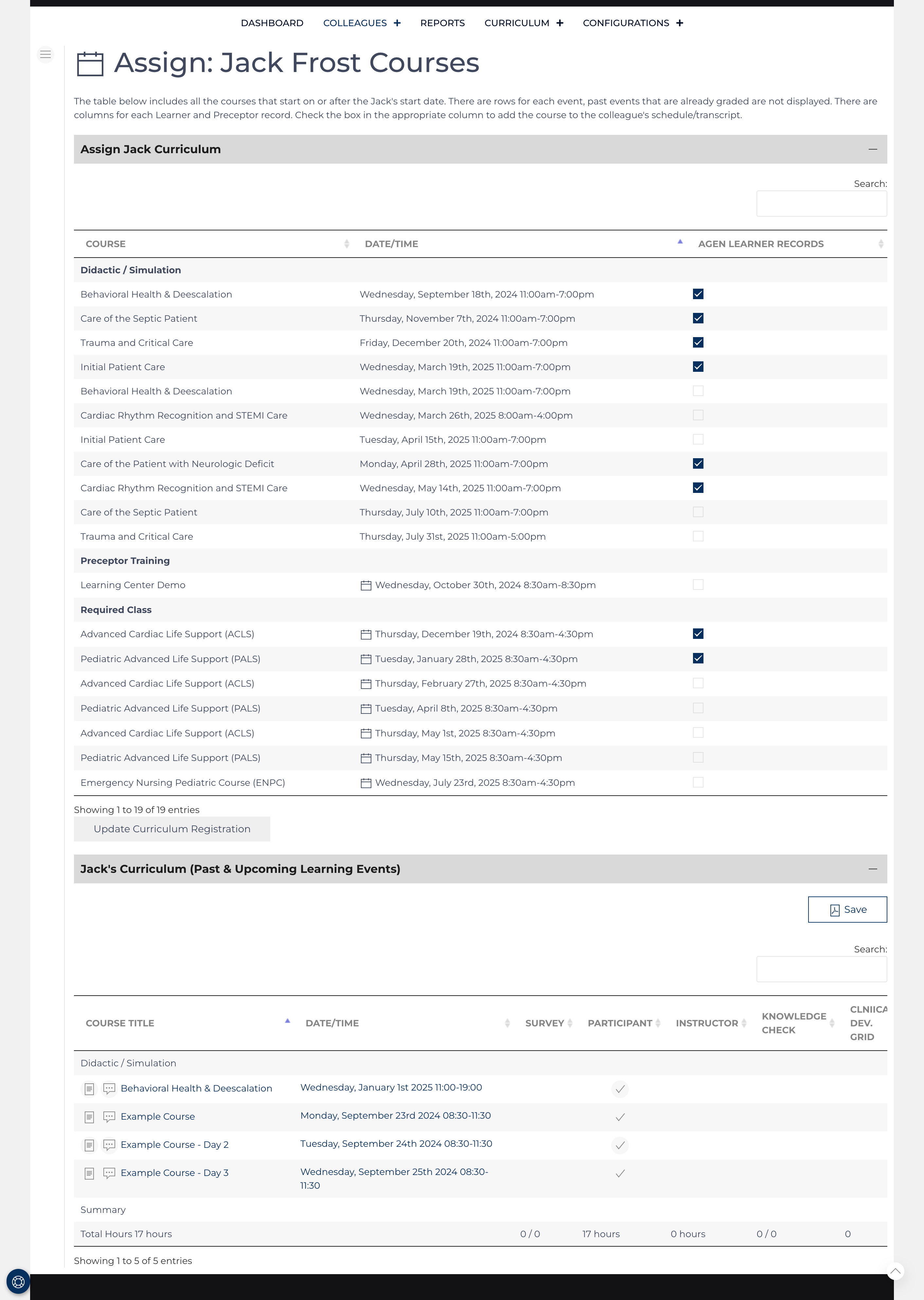
Access this screen by clicking in the Quick Links or in the Course List list view.
Prerequiseite: A colleague must have at least one nested Learner record or a Preceptor record before the colleague can be scheduled for courses.
The Curriculum Assignment view creates a table of all upcoming Courses after the start date for the colleague, a column for each learner record and then for the preceptor record. There is a check-box present for each event that will take place after the start date and before the end date for the particular nested record. Simply check the box to register the colleague for the event under the particular record or un-check the box to remove the event. Courses that have been graded will not appear as the Course Grade record controls documenting the attendance for the event.
Course List View
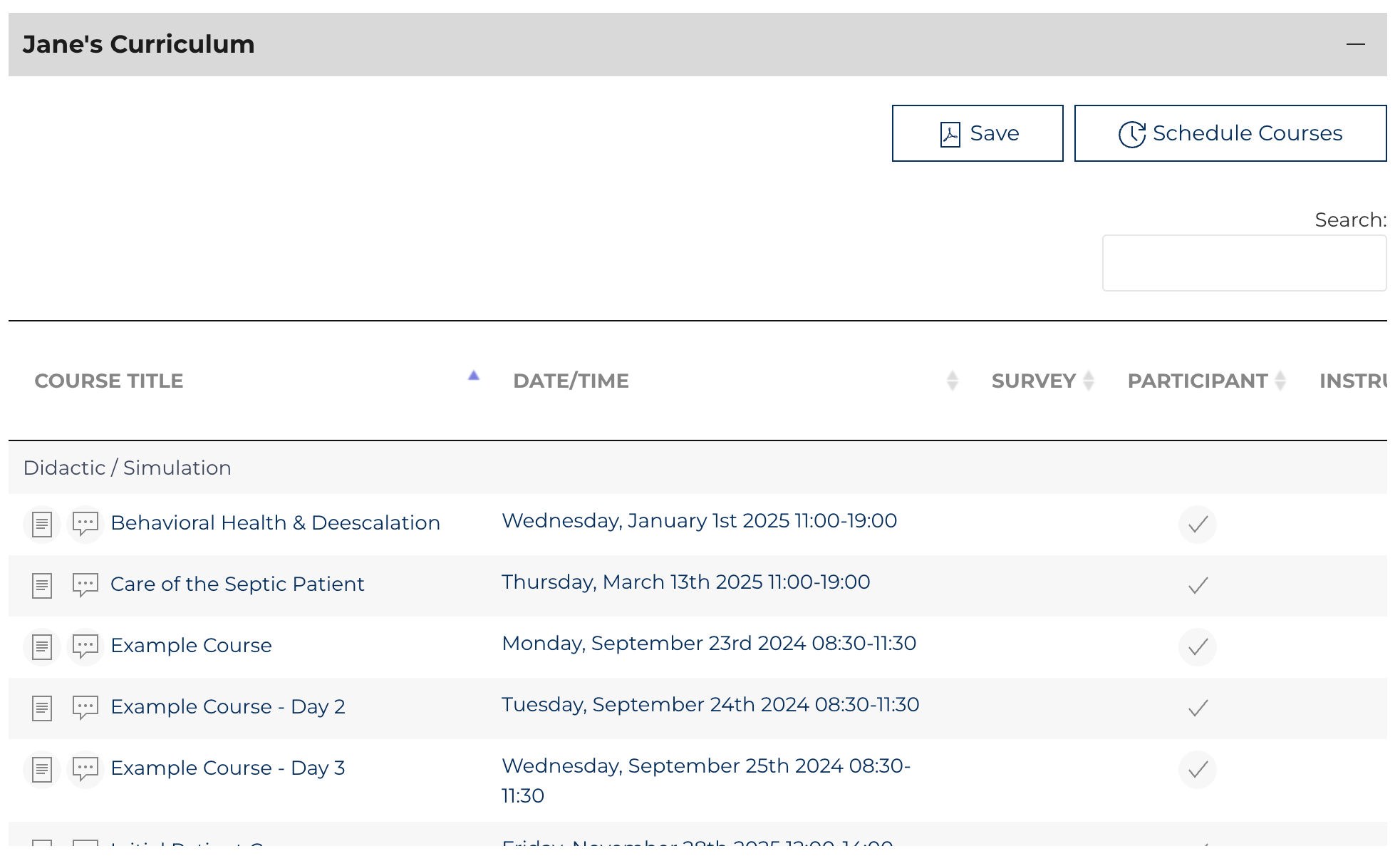
The table is searchable and sortable, containing a detailed listing of all learning and instruction provided by this colleague during a class, and it can also be document. The PDF displays all the dates for multiday classes. The table below describes how data is displayed on the list view. A summary is provided in the last row, counting events and related document completion (surveys, knowledge checks, and CDGs).
*Data is displayed if a related record was submitted or is pending.
| COURSE TITLE | DATE/TIME | SURVEY | PARTICIPANT | INSTRUCTOR | KNOWLEDGE CHECK | CLINICAL DEV. GRID |
|---|---|---|---|---|---|---|
| Event Title | Date/Time | Link to results* | Checked if Learning | Checked if instructing | Link to results* | Link to results* |