Learning Center Support

Configurations

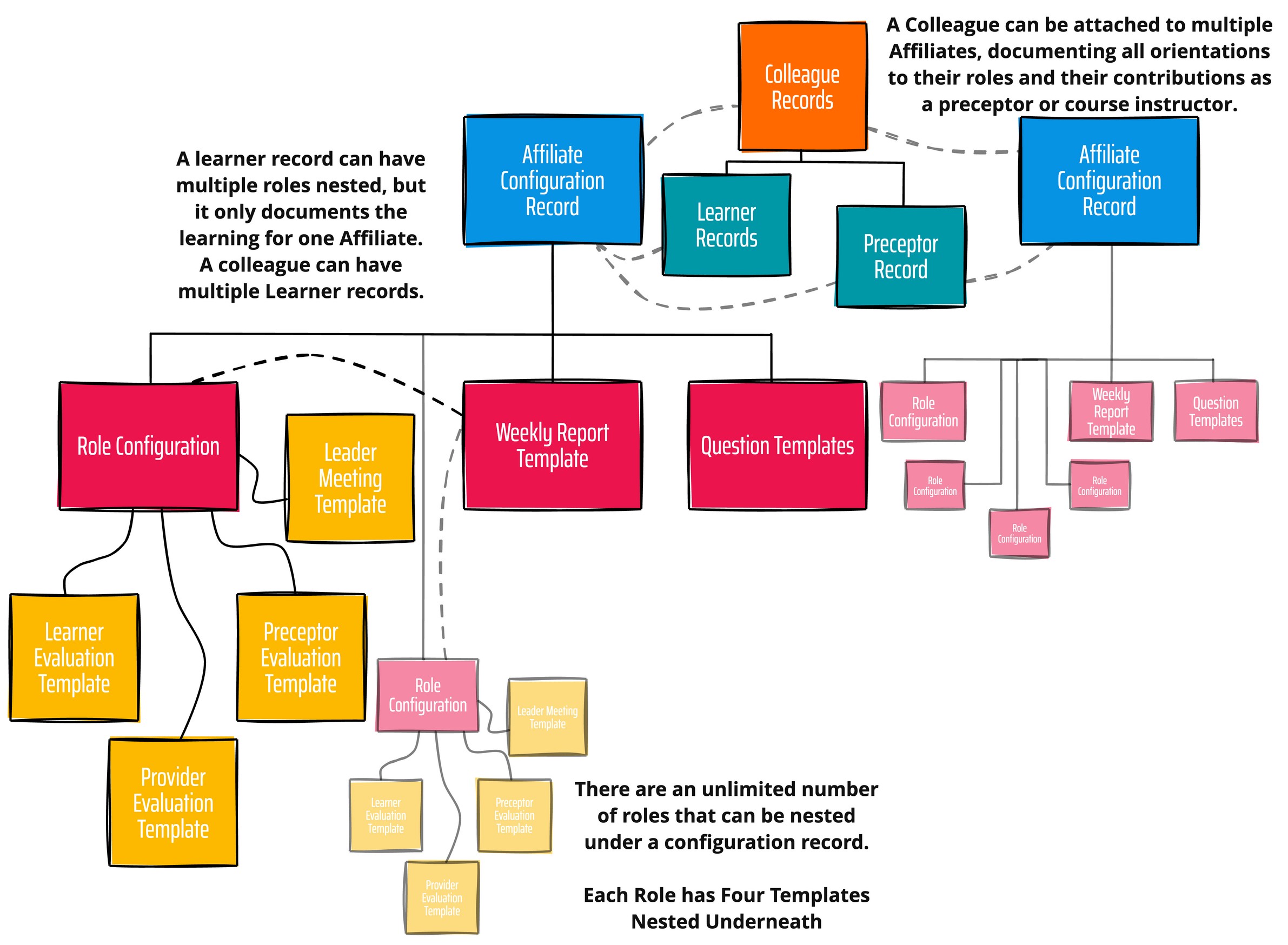
Learning Center Process Map

A configuration record organizes, displays, and allows authorized users to update data points on the Configuration records (90 data points), Role records (320 data points), nested underneath, along with templates for the Learner, Preceptor, and Provider Evaluations, as well as the Leader Meeting Template.
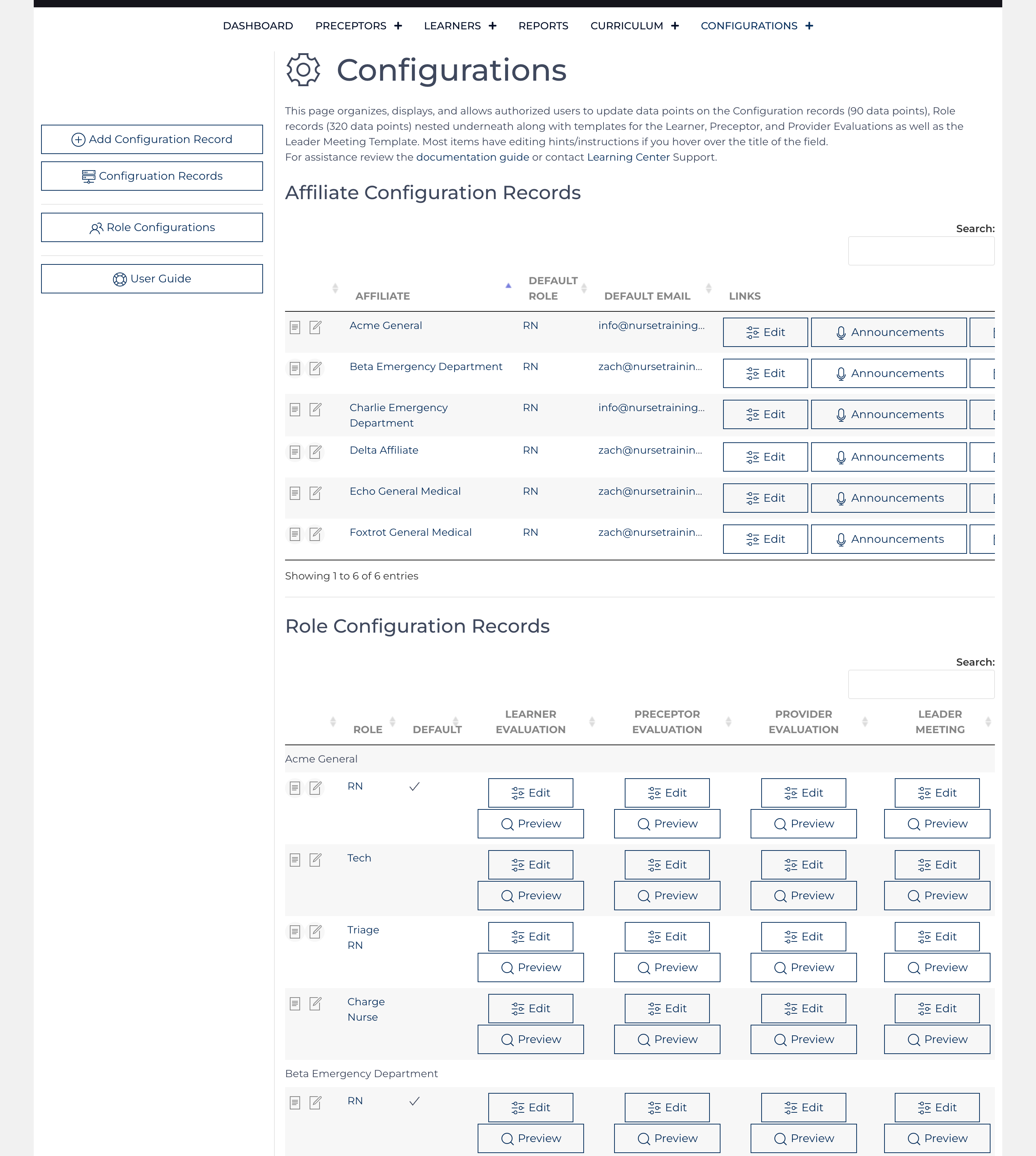
Configuration Records and Template Records

As a best practice, a configuration record should exist for each major job function. For example, Acme General Hospital Emergency Department has a configuration record for the RN and the EMS tech. The RN role includes Role Configuration records for the Bedside RN role, Triage RN role, and Charge RN role. The EMS tech has just one Role Configuration record for the tech role. Once an EMS tech becomes an RN, they will never practice as a tech again; their tech role ends, and a brand new role begins. 

Each Affiliate Configuration and Role Configuration record requires a key to be issued by the developer. The original configuration of the Affiliate/Role will be provided with the issue of the key. Without the key, the Learning Center cannot function.
Additional Content

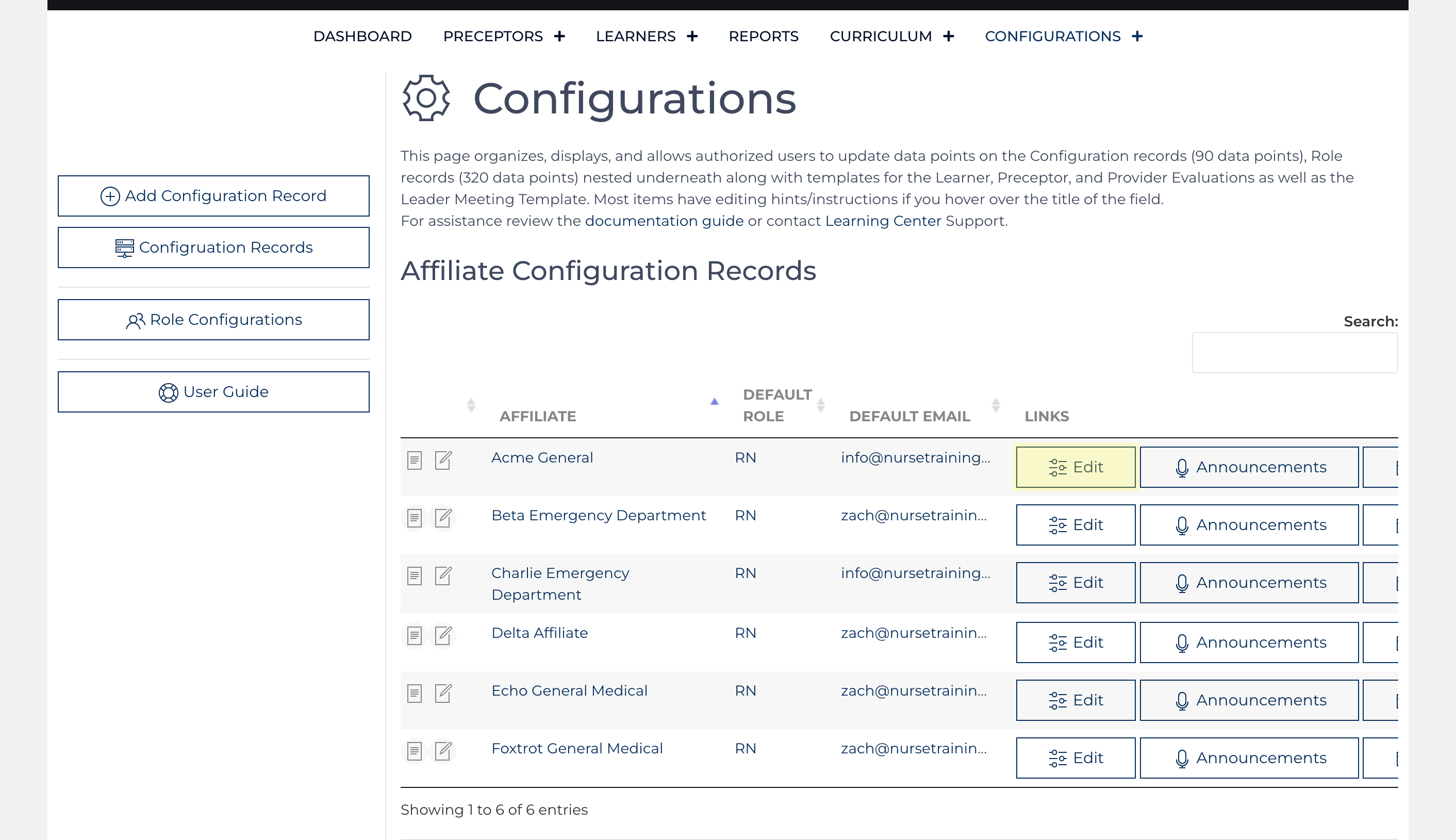
Affiliate Configuration record

Edit the Configuration record for the desired affiliate by clicking the Edit link highlighted in yellow
The data points contained in a single configuration record are organized into six tabs and further divided into more manageable pieces within each tab. Users without permission to edit the configuration can view the settings and make recommendations ...

Role Configuration record

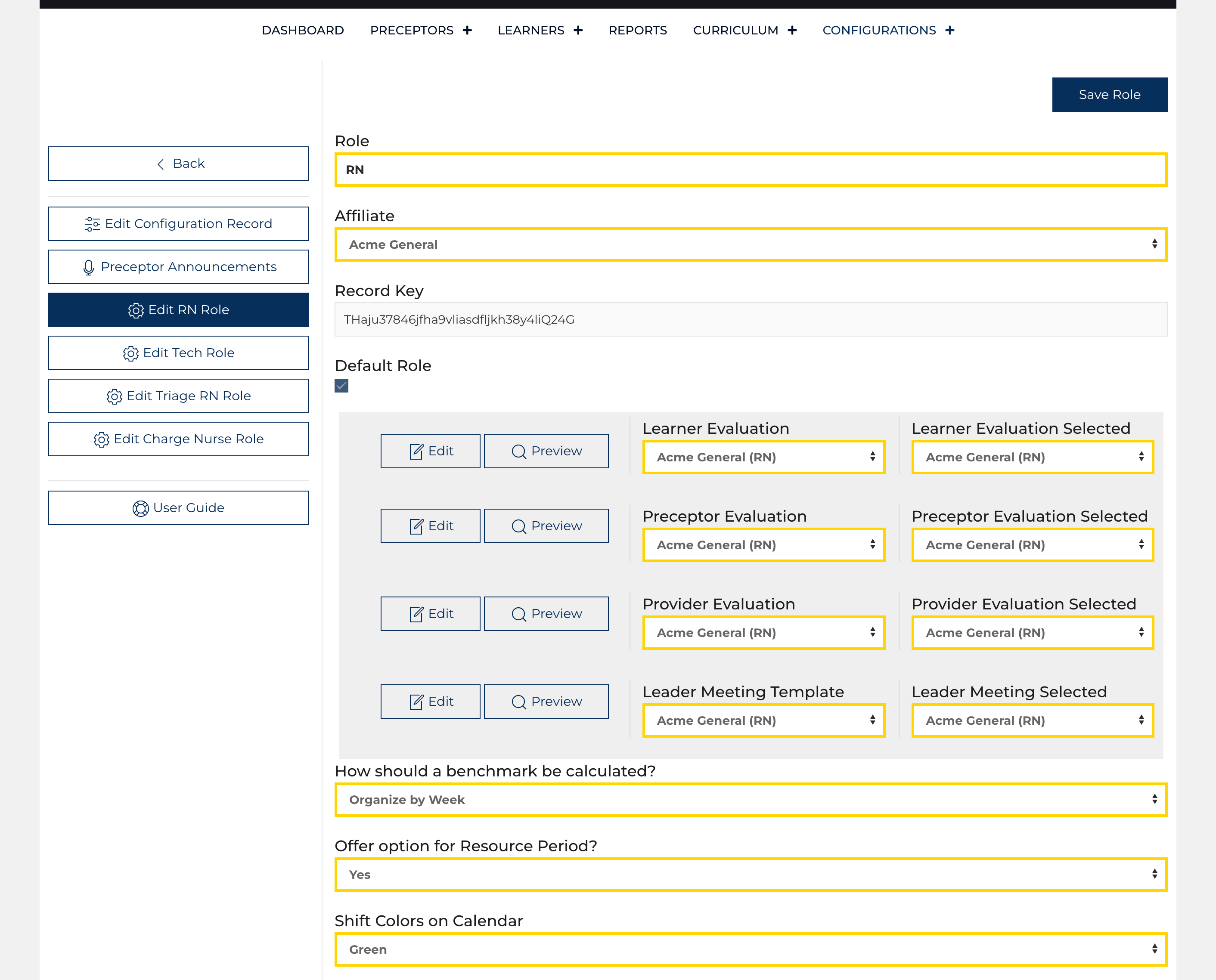
Role Configuration Screen
The Role Configuration Screen always appears as a form; like the Affiliate Configuration records, a user must be granted permission on their User record to edit the nested role configuration records under their parent Affiliate Configuration. Genera...

Learner Evaluation Template

Learner Evaluation
Learner Evaluation
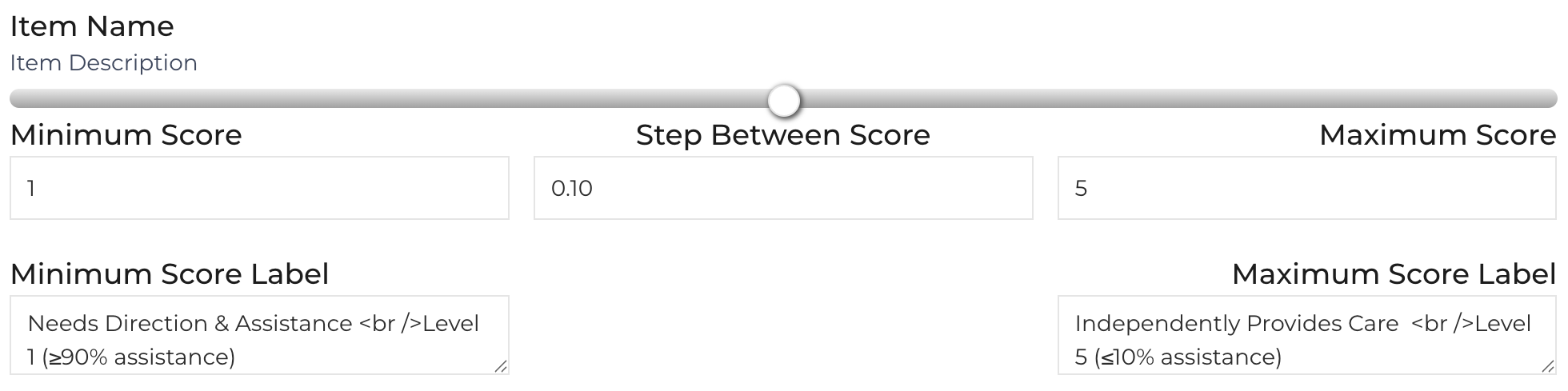
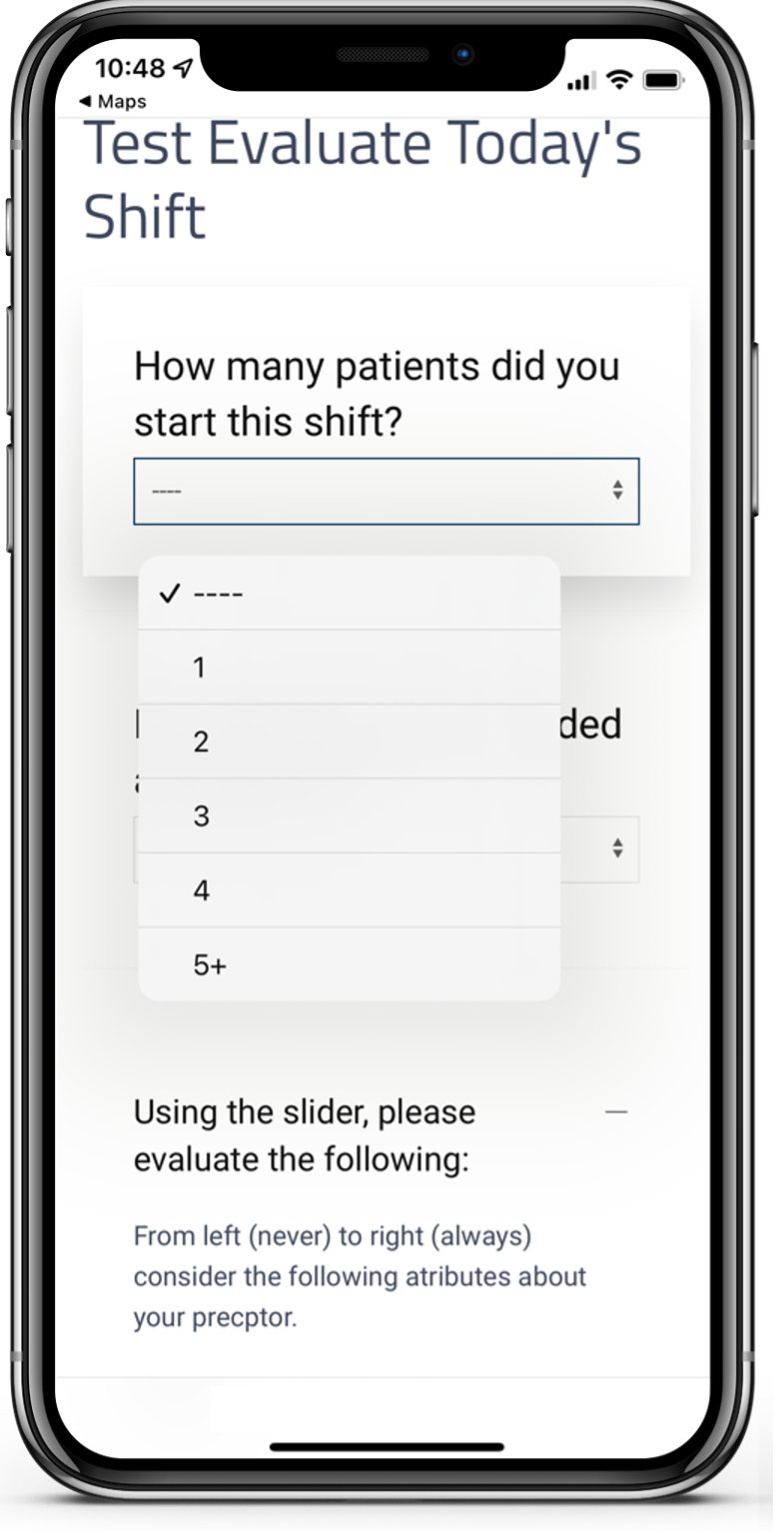
The Learner Evaluation is completed by a preceptor and is designed to be most often used on a mobile device. The Learner Evaluation can be customized completely. There are ten major topic areas with two topics allowing for two additional sub-question...

Preceptor Evaluation Template

Preceptor Evaluation
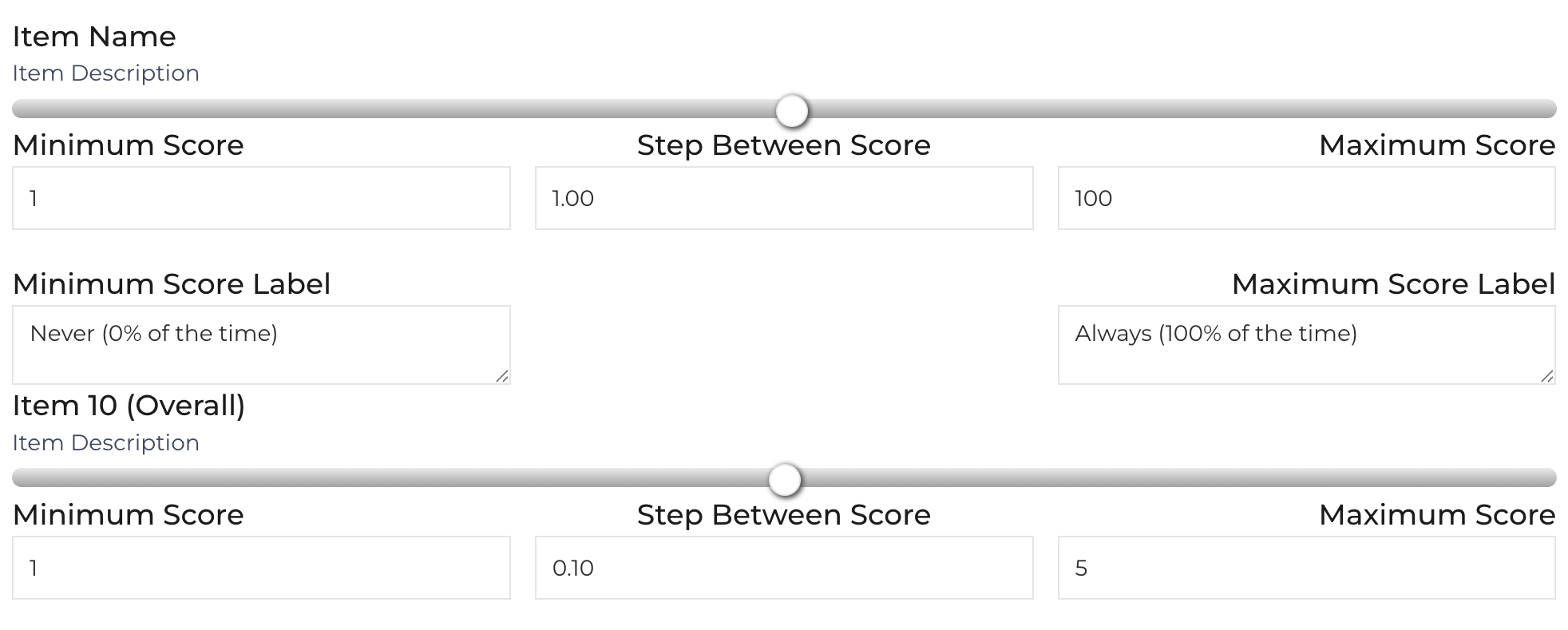
The Preceptor Evaluation is completed by a learner and is designed to be most often used on a mobile device. The Preceptor Evaluation can be customized completely. There are eleven major topic areas with two topics allowing for one to two additional ...

Provider Evaluation Template

Provider Evaluation
Provider Evaluation
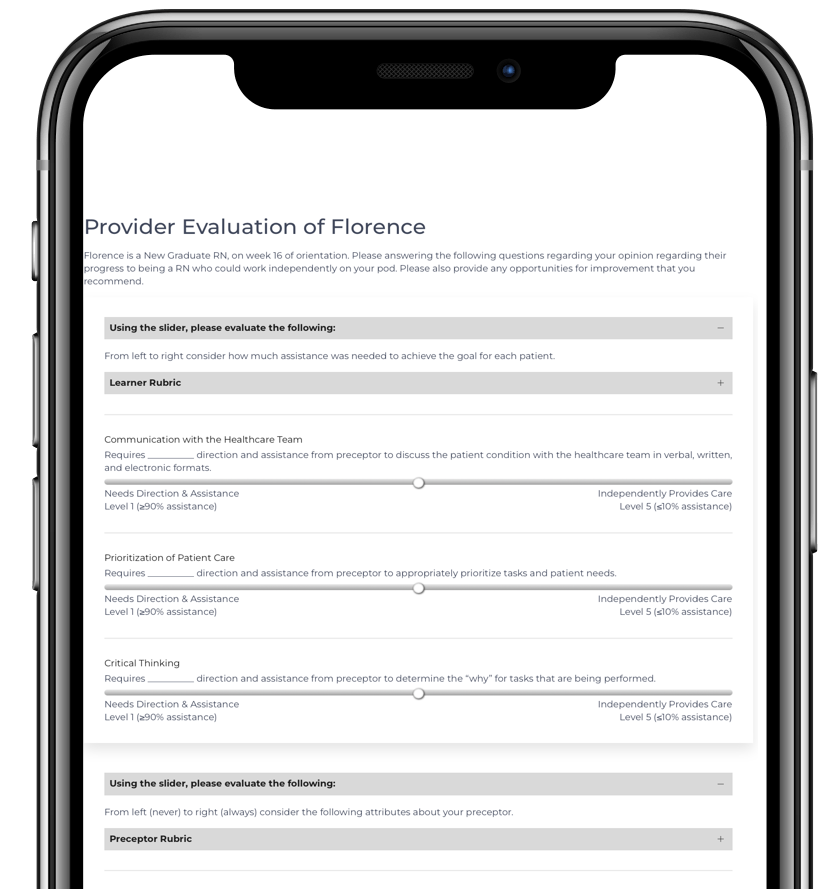
The Provider Evaluation includes a cross-section of questions that appear on the Learner and Preceptor Evaluations, asking a healthcare professional in a different role to evaluate both the learner and preceptor. ...

Leader Meeting Template

Leader Meeting
Leader Meeting
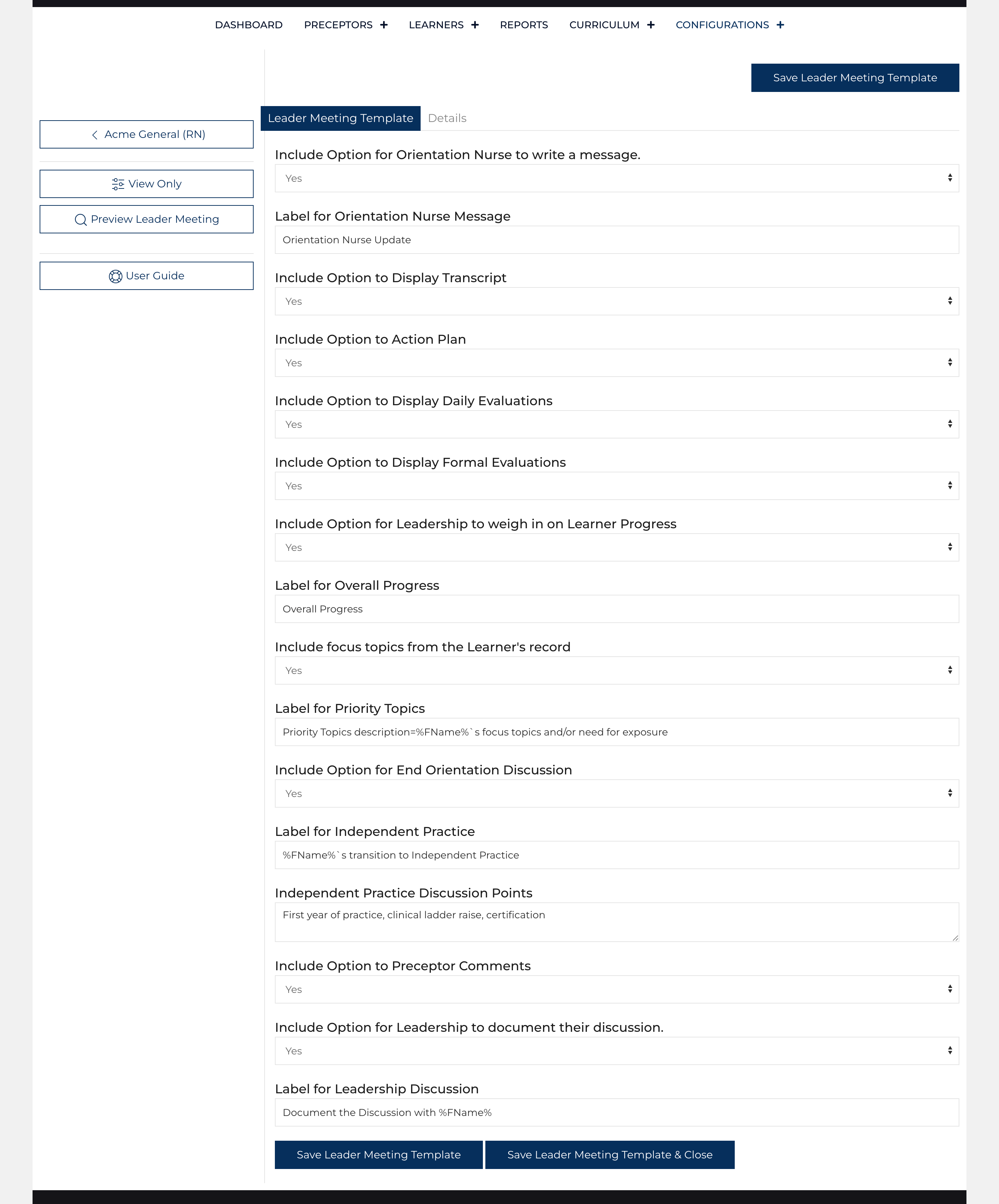
The Leader Meeting template establishes which sections can be included when planning a Leader Meeting. The process that a User follows when scheduling these meetings includes modification of the template to focus the attention of the meeting on ...

Weekly Report Template

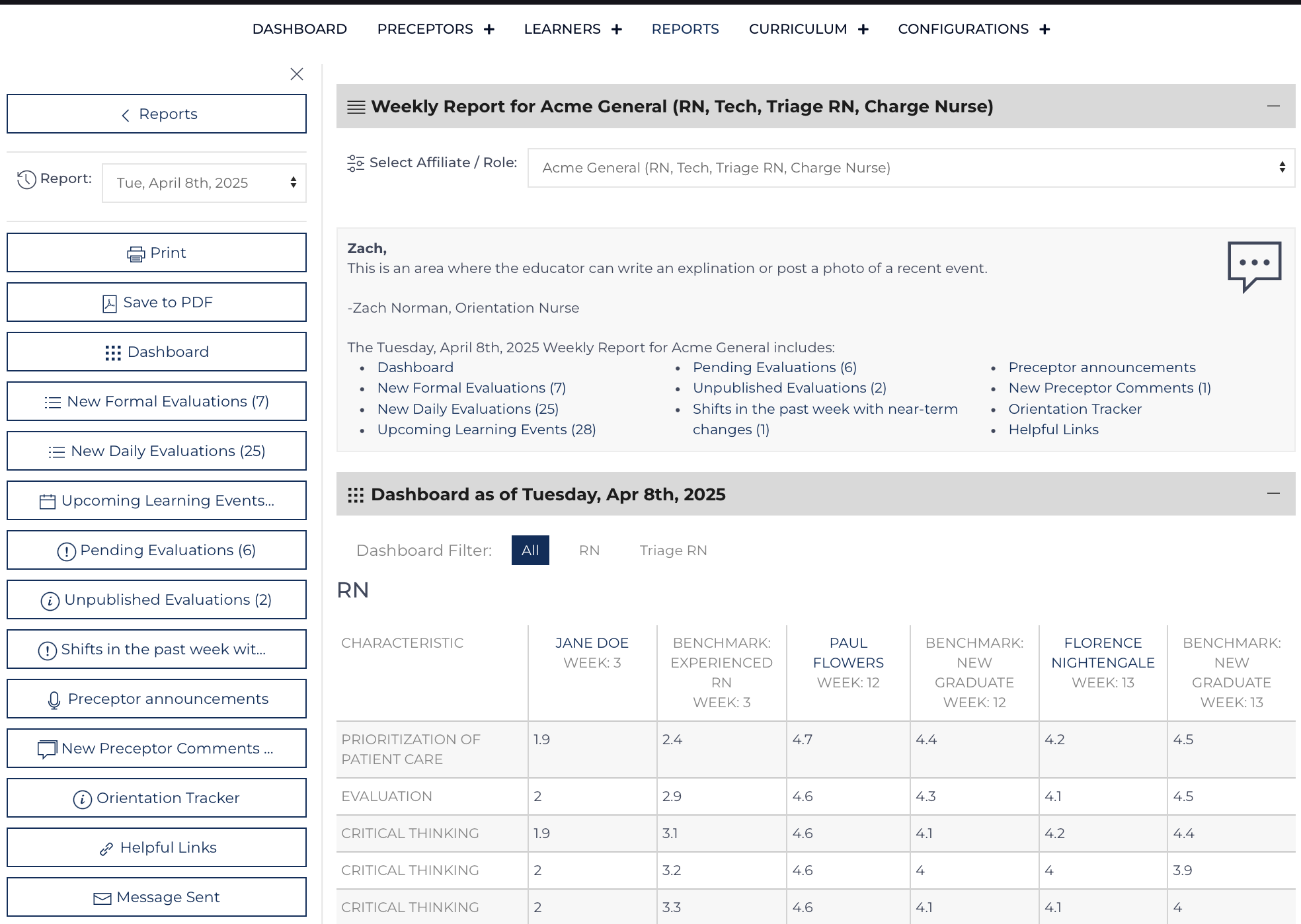
Weekly Report - Website Display
Links to a comprehensive report are sent on a designated day each week (Monday-Thursday) as determined by this template to subscribed users. This template's values are passed to a report controller that is created on the Friday before the report...

Learner Specific Question Template

Learner Specific Questions
Daily Learner and Daily Preceptor Evaluations can contain up to three additional questions designed to help the Learner and Preceptor reflect on their current goals. Update the Learner Specific Questions on the Learner Update Page. Log into your ...

Users

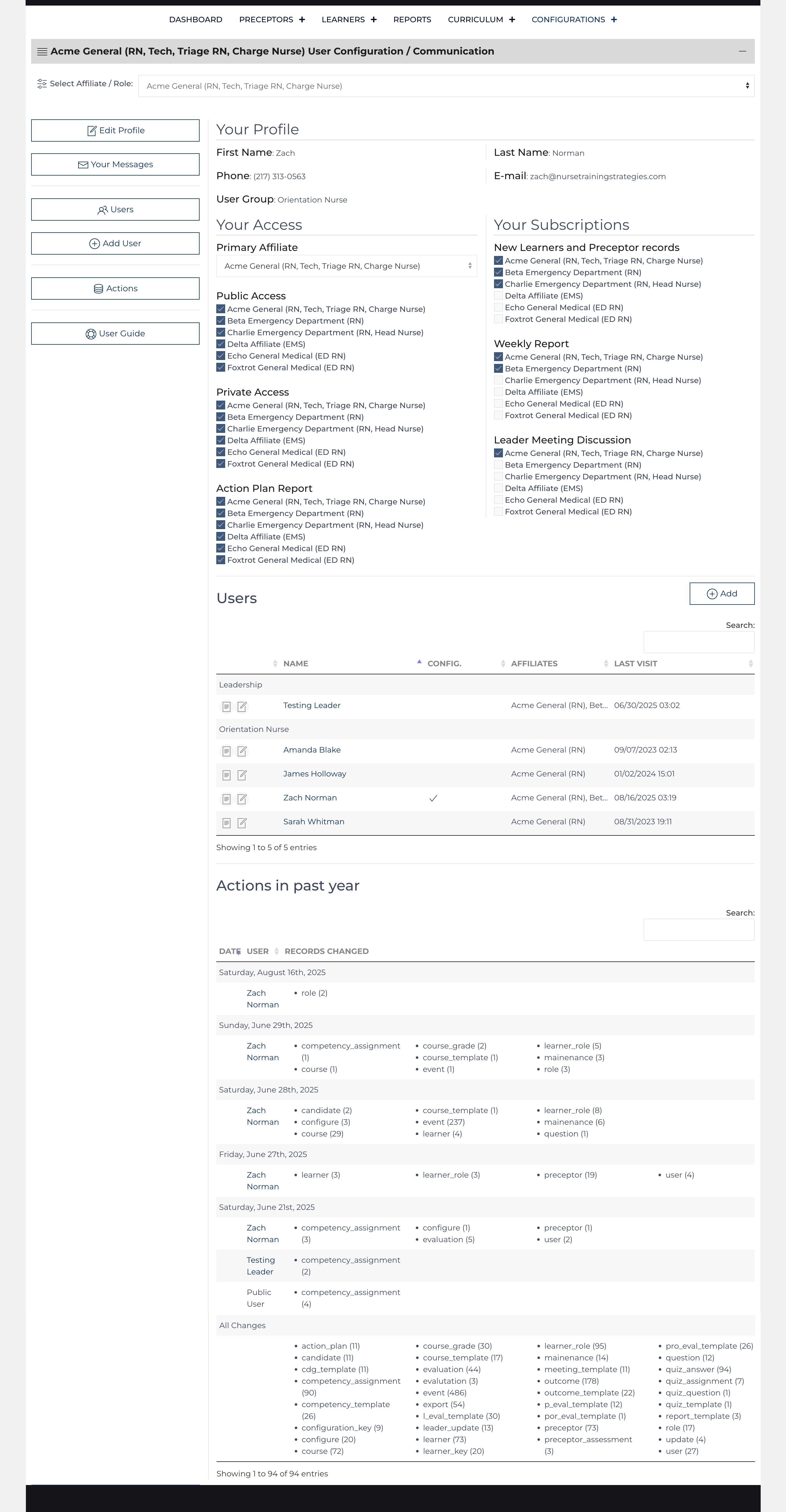
Users Main Screen
Users Main Screen
The Site View manages not only the functions of its namesake but also facilitates the communication that users are subscribed to receive. Three types of users have access to the private data maintained by the Learning Center. Orientation...

Default Configuration Record Values

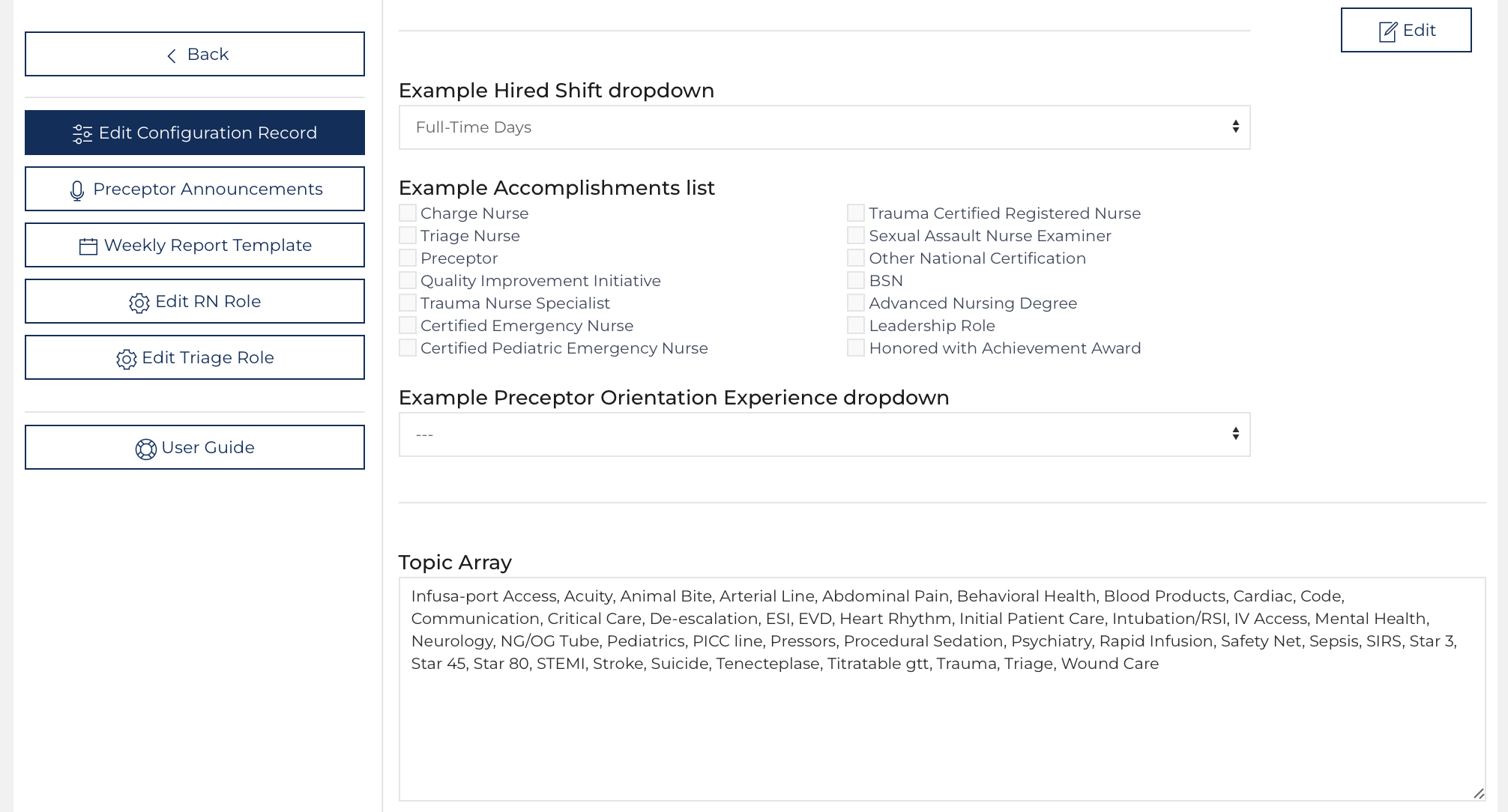
Coded Elements Show as will appear
Throughout the Configuration edit screen, some elements are edited using HTML or a list array. A list array is set up for the site to decipher through two lists: results (which must be unique values stored in the database, each separated by a comma),...

Default Communication Template Values

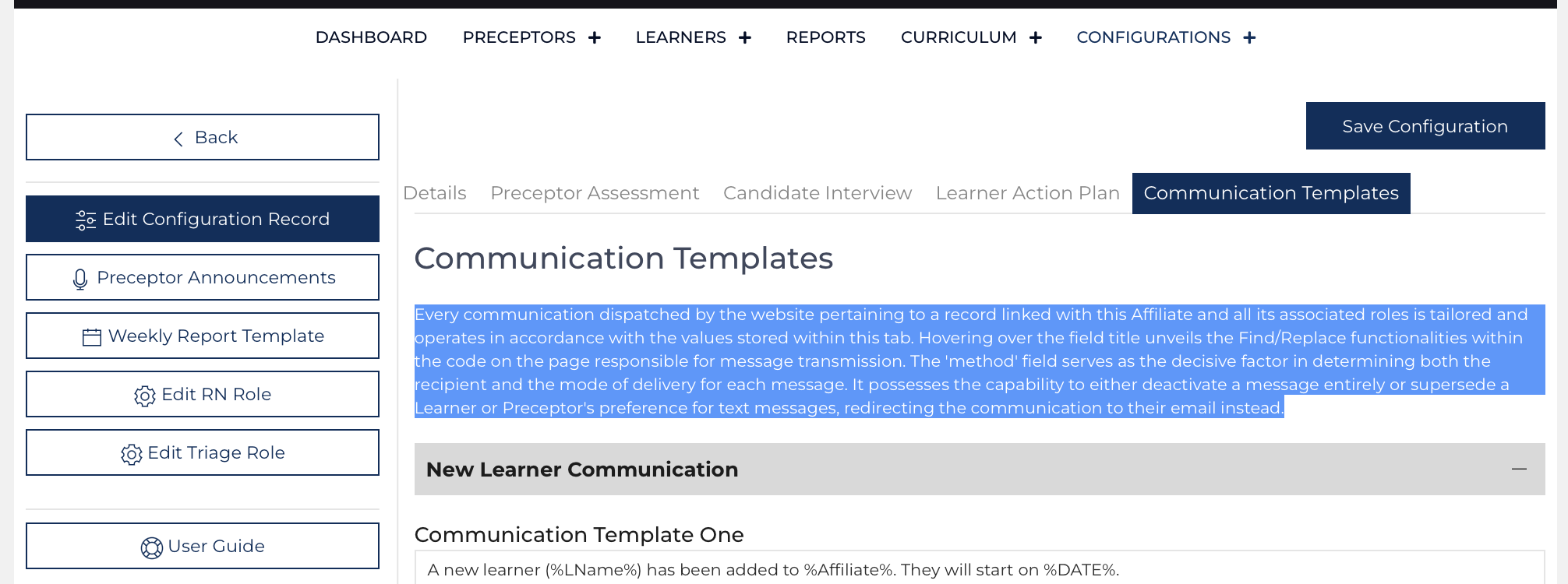
Communication Templates Tab
Every communication dispatched by the website about a record linked with this Affiliate and all its associated roles is tailored and operated by the values stored within this tab. Hovering over the field title unveils the Find/Replace functionalities...