Additional Content
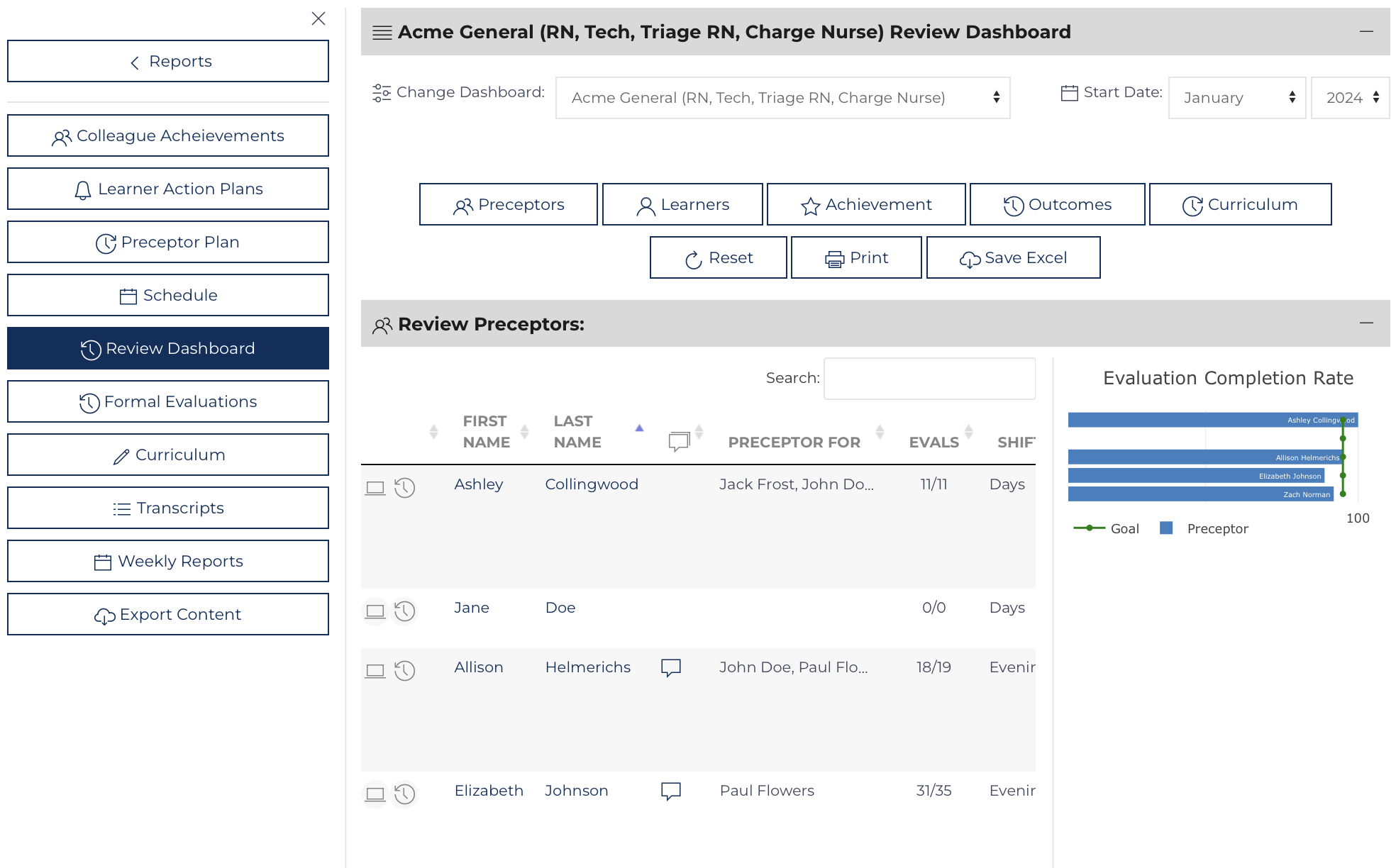
Review Dashboard
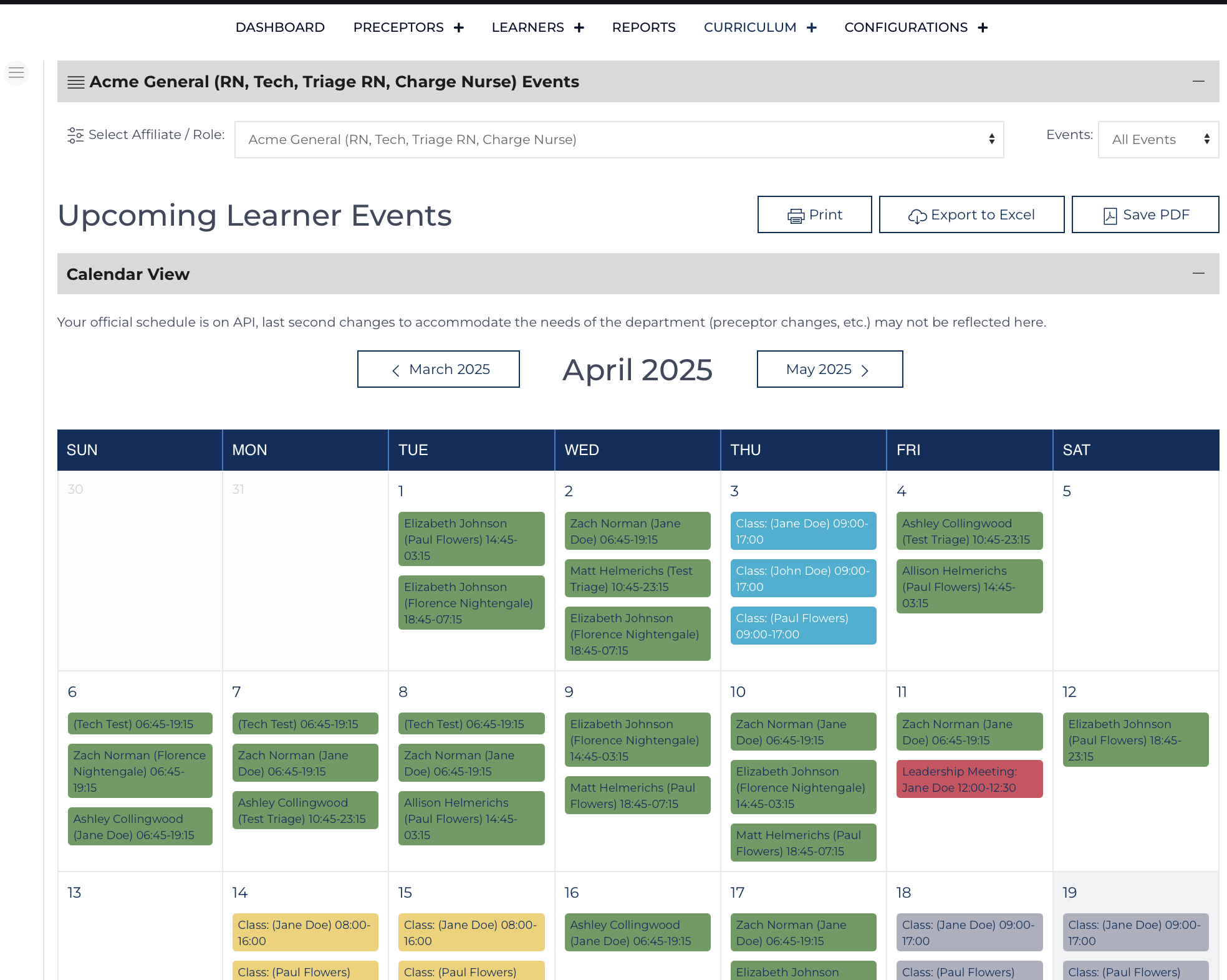
Schedule Report
Transcript Reports

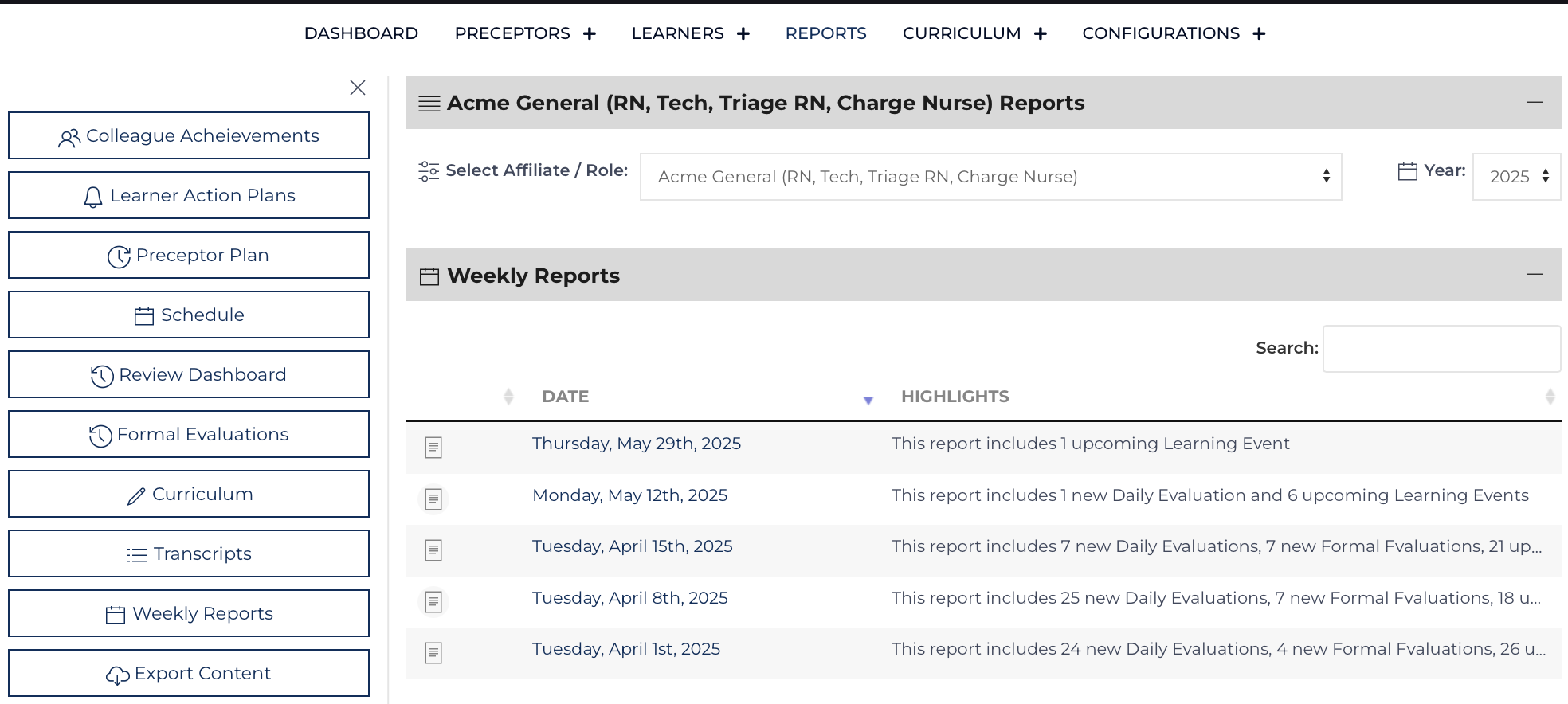
Weekly Reports
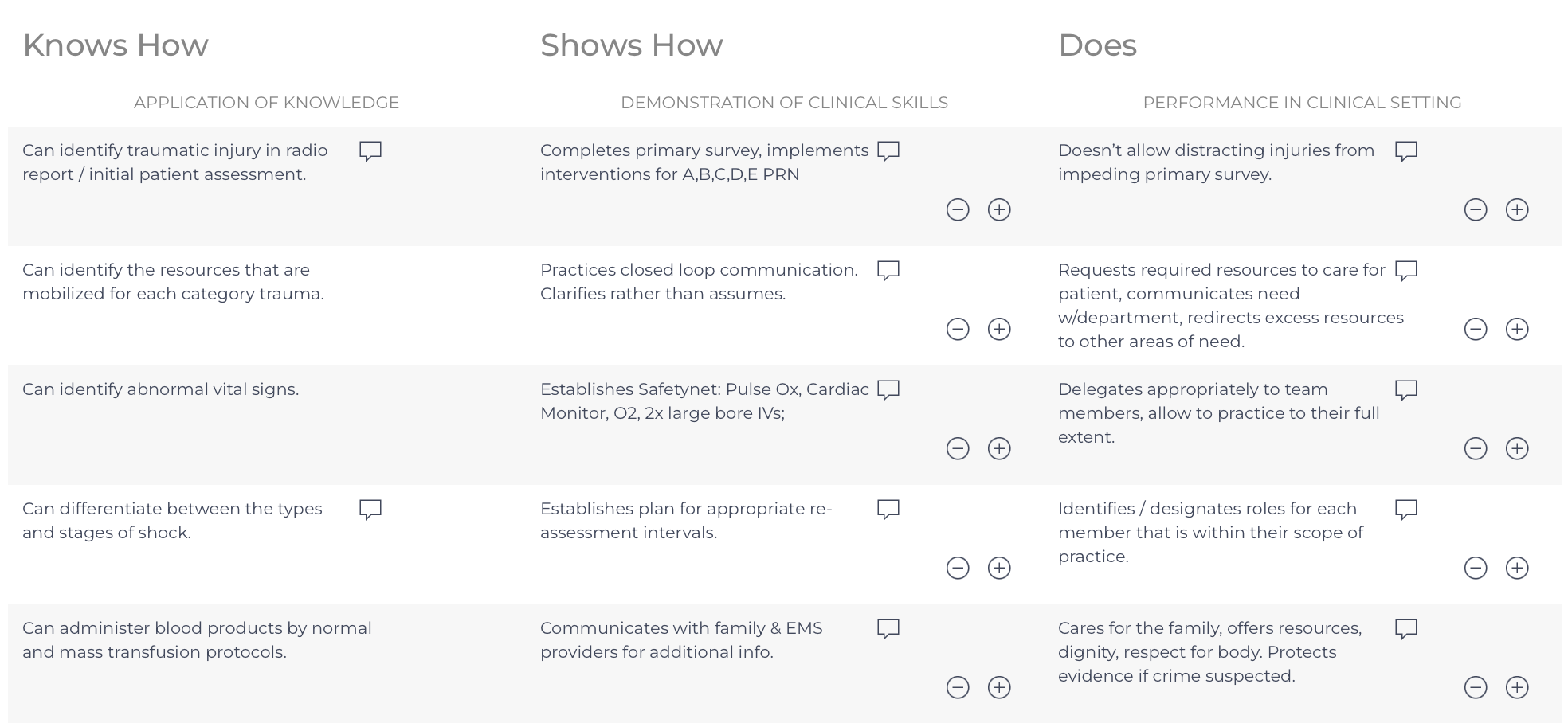
Clinical Development Grid
Connecting Patient Outcomes with Education Interventions
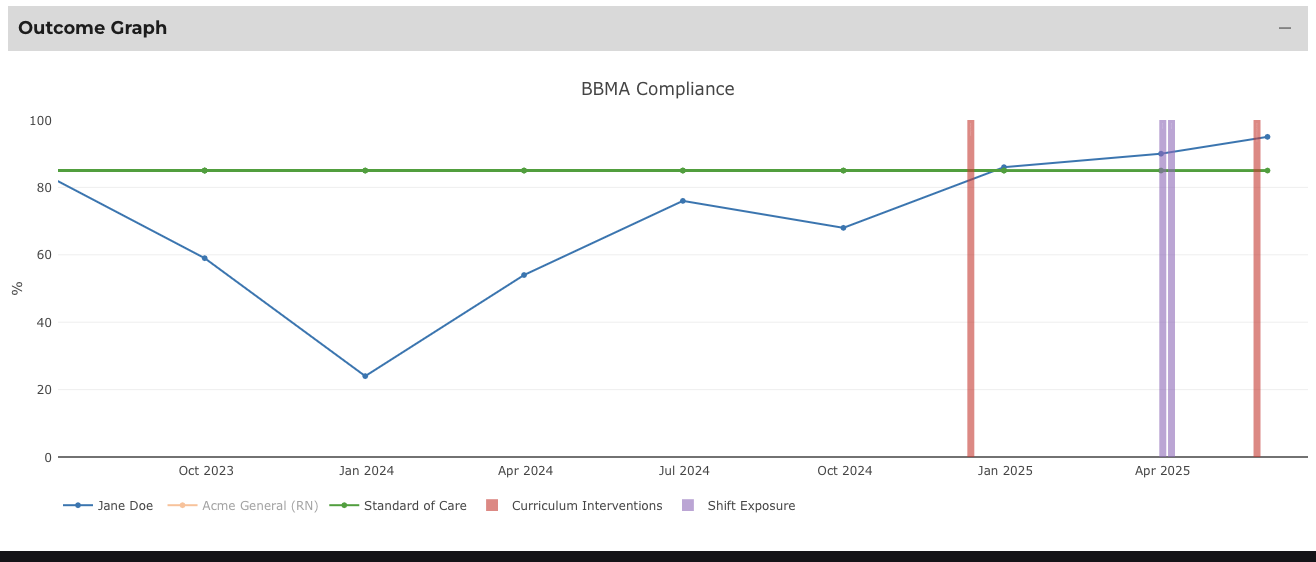
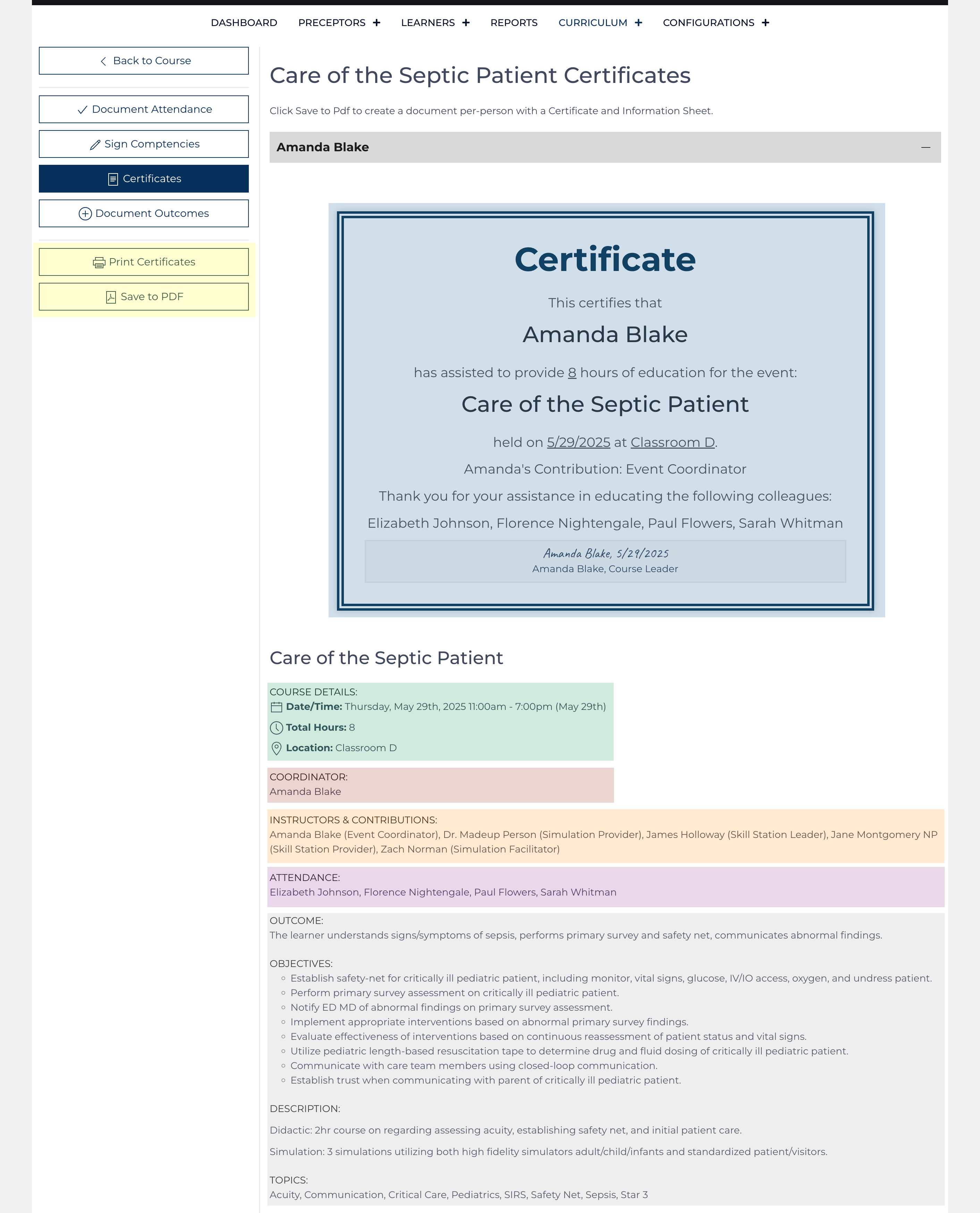
Course Grade/Certificates
Course Template
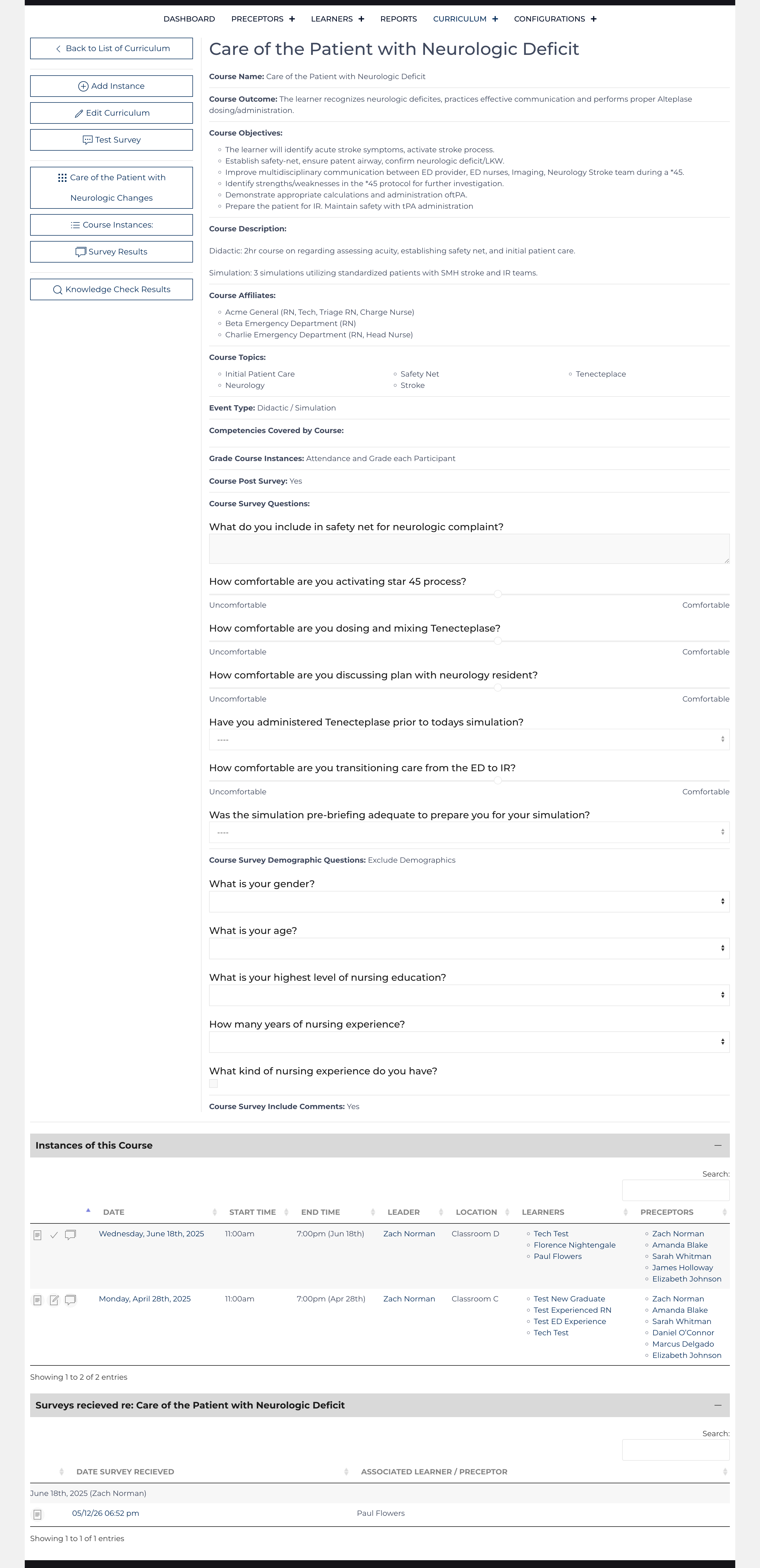
Course Templates

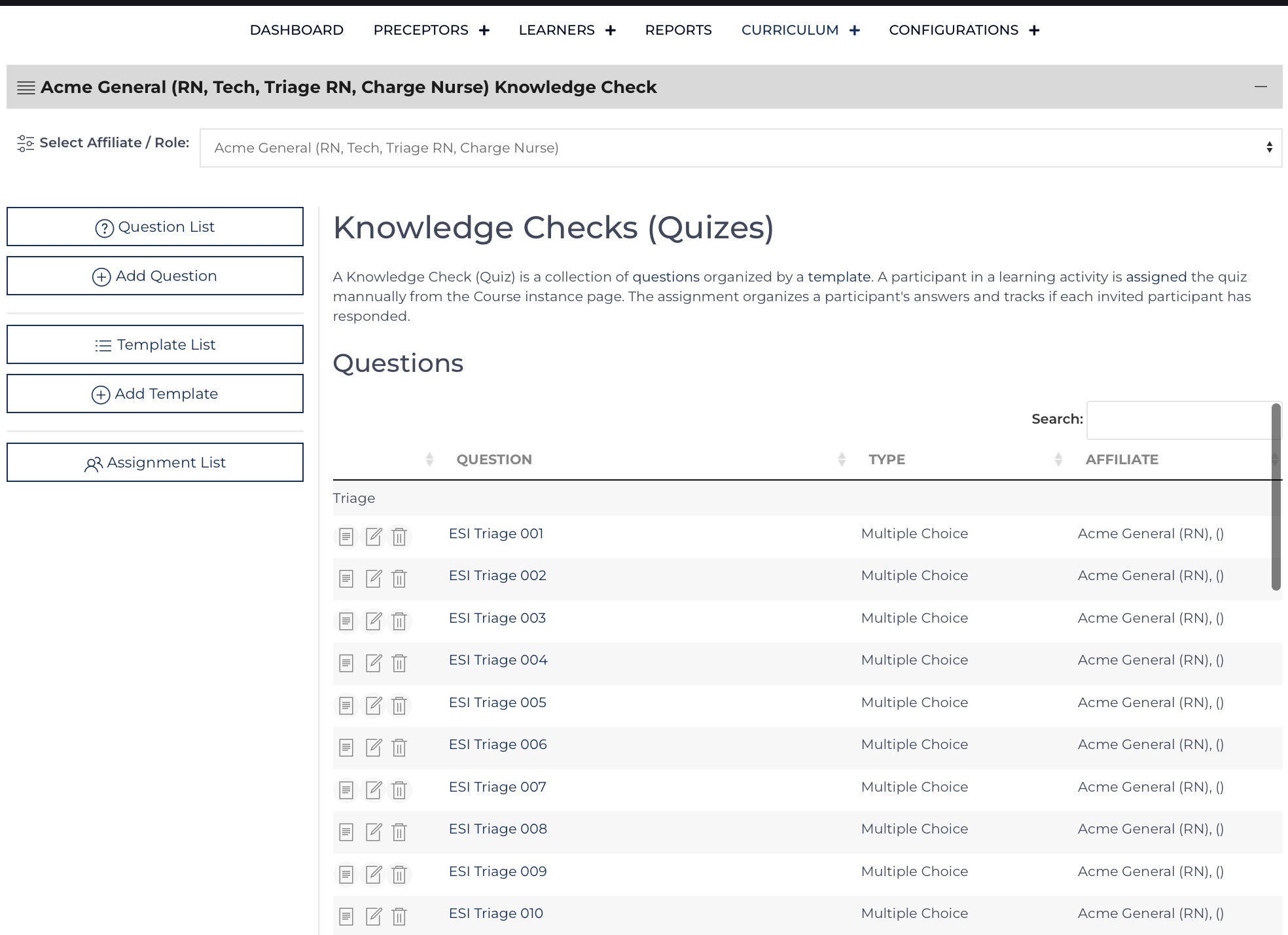
Knowledge Checks
Outcomes
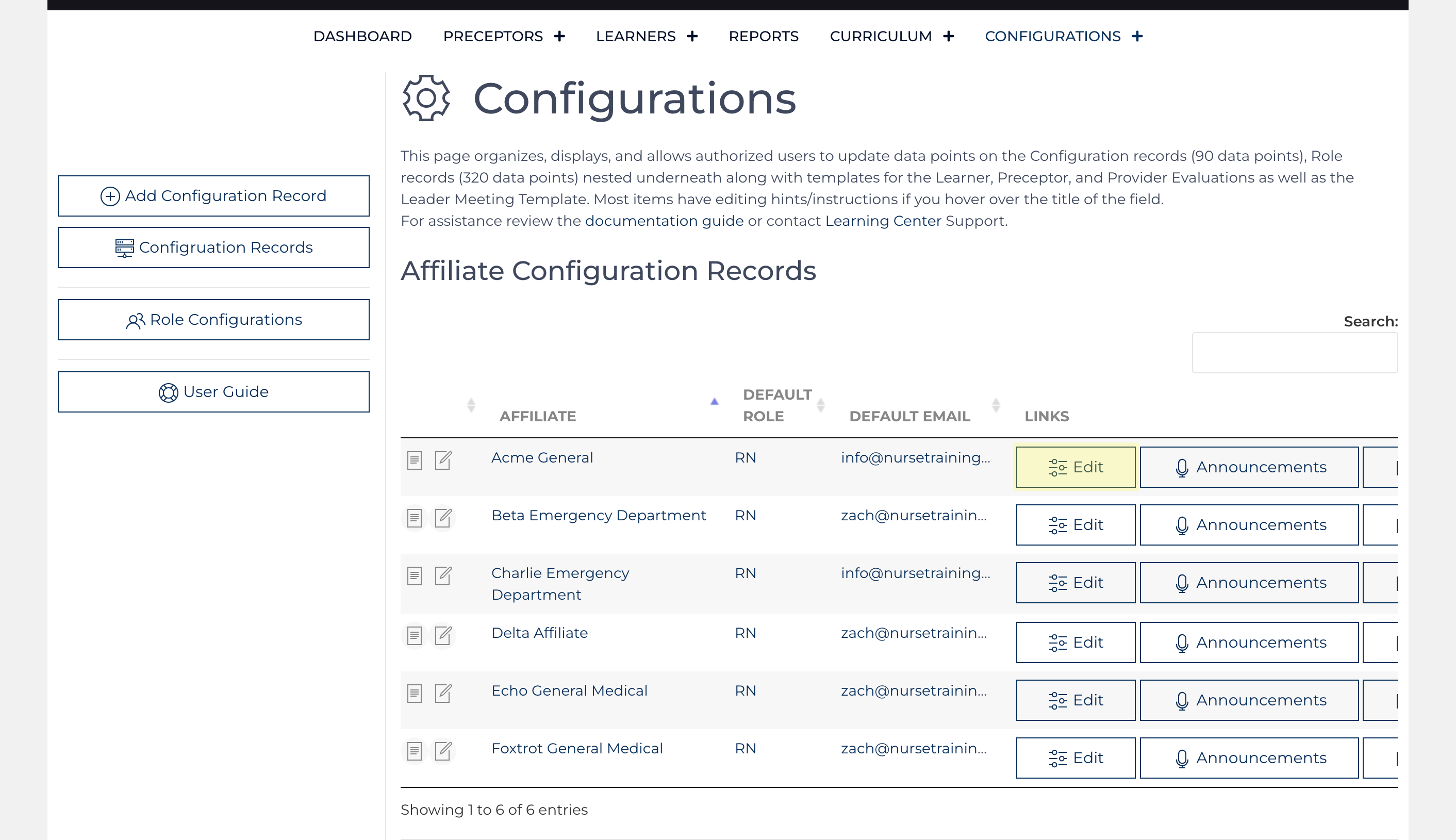
Affiliate Configuration record
More Articles …
Subcategories
Colleagues Article Count: 33
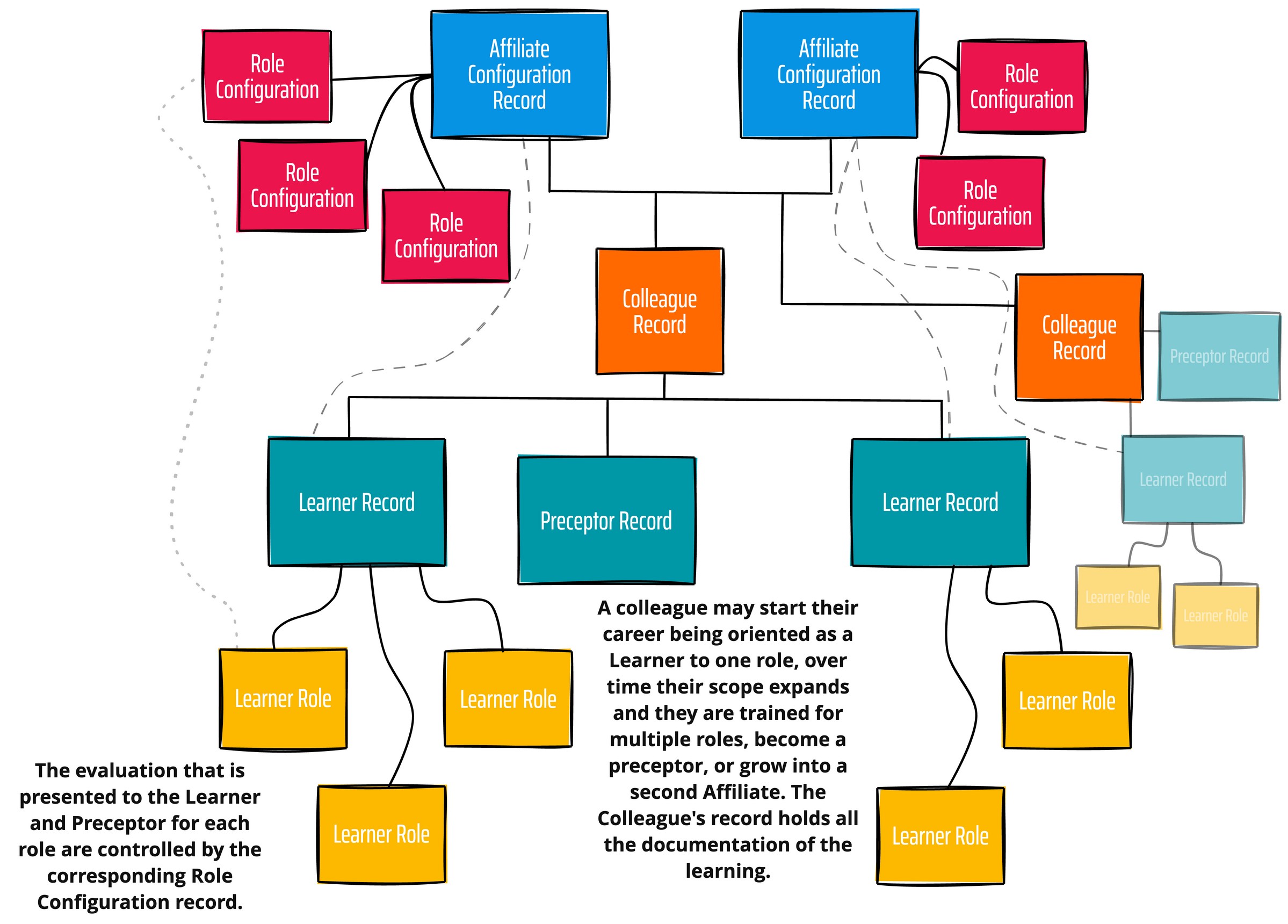
Version 1.11.0 introduced the colleague record to simplify the data entry and maintenance across multiple tables. Still, learning is documented under a Learner record and is organized into multiple roles[1]. A colleague can have multiple learner records nested as their career grows. A preceptor record can also be created/maintained, documenting all the contributions a preceptor makes over time. All records that are nested under the colleague record are created and maintained from the Colleague Add / Edit screens.
The Colleagues listing accessed from the main menu is organized into multiple list views. These list views are searchable and re-sortable. By default, it is organized by the default role title. Use the drop-downs at the top of the page to narrow the data displayed.
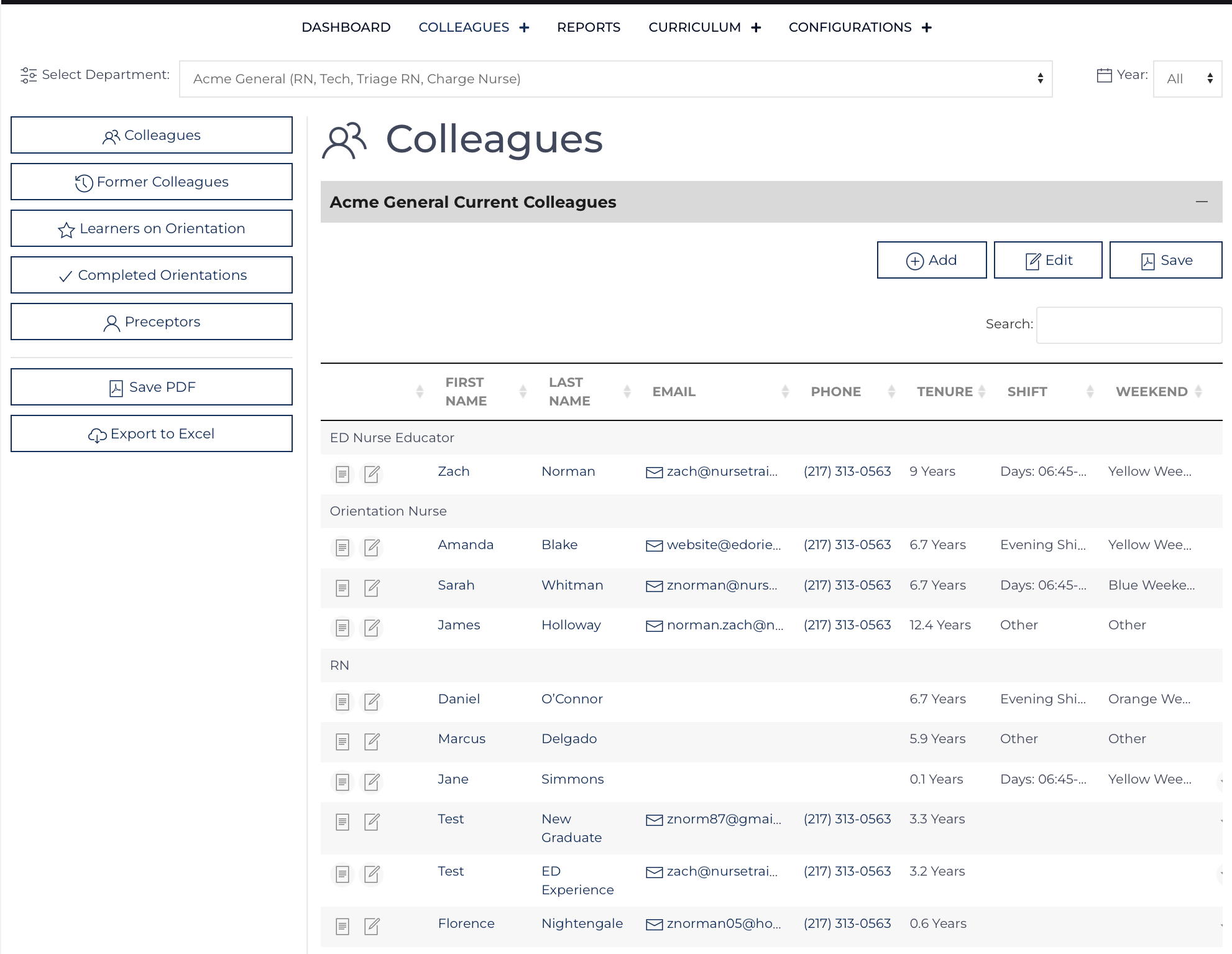
There are list views for current colleagues, former colleagues (collapsed by default), Learners on orientation[1], Learners who've completed orientation (collapsed by default), and current Preceptors. Learners whose orientation is complete are displayed on a list view below.
Refreshing the screen will reset any sorting or searches back to the normal full list of colleagues. On small screens such as cell phones, some columns will be hidden to minimize scrolling.
- Access the individual record by clicking their name or
![view icon]() [2].
- Edit the individual record by clicking
![edit icon]() .

 .
Preceptors Article Count: 6
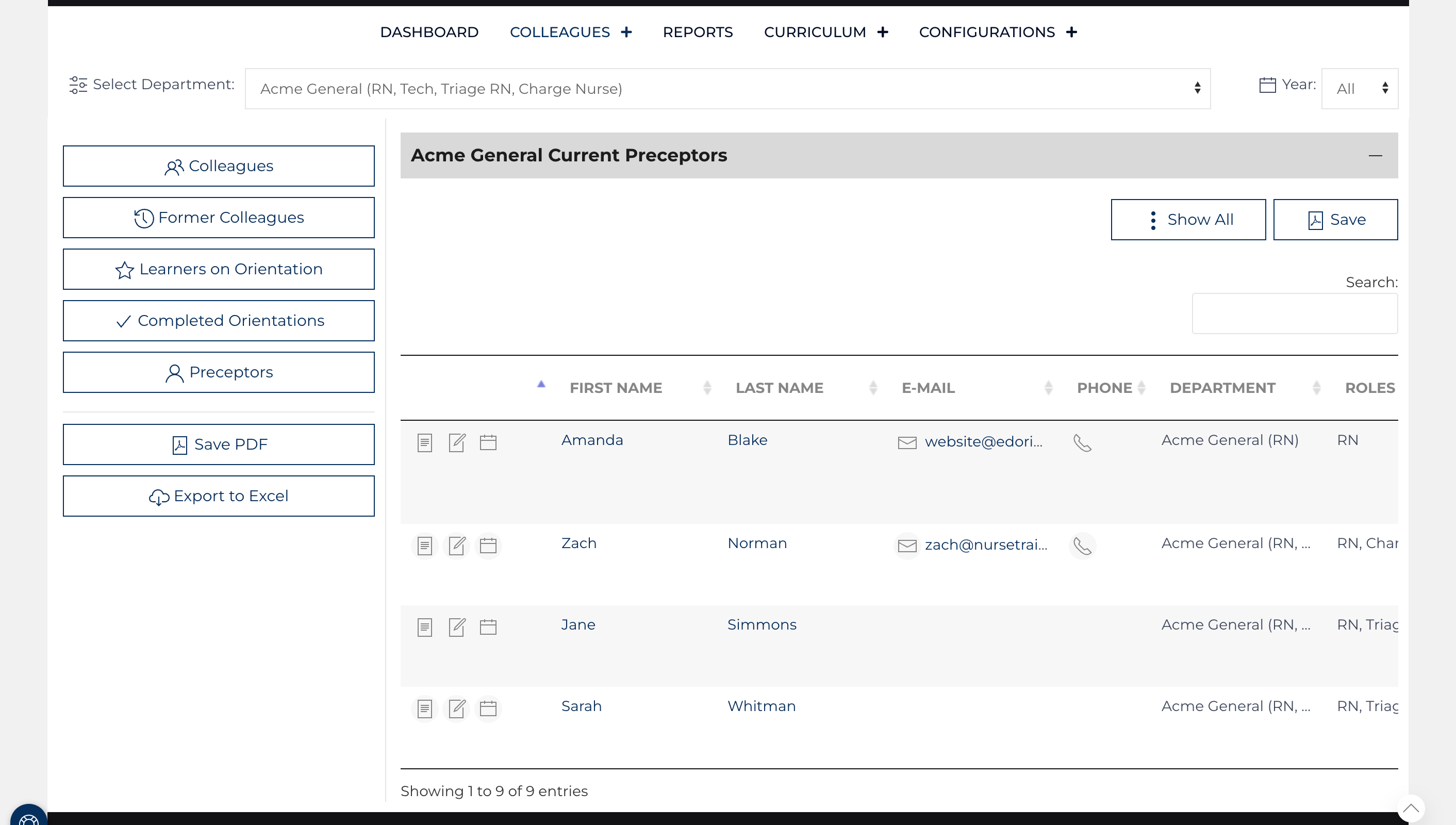
The Preceptor List can be sorted by any column heading; by default, it is organized by last name. It is divided between Preceptors who are currently eligible to teach learners and those who are former preceptors. It can also be searched by any value and sorted.
Preceptors may be a part of multiple affiliates and do not need to have roles assigned, unlike learner records. The dropdown at the top of the screen labeled "Select Affiliate/Role" allows the user to toggle the list to display Preceptors who are a part of another Affiliate.
Refreshing the screen will reset any sorting or searches back to the normal full list of preceptors. On small screens such as cell phones, some columns will be hidden to minimize scrolling.
- Clicking the Preceptor’s name or
![view icon]() will bring you to view additional details on the Preceptor's record.
- Clicking the mail Icon will open an email message to that preceptor.
- Clicking
![edit icon]() will allow you to modify the Preceptor's record and nested Preceptor Comment records.
Learners Article Count: 21
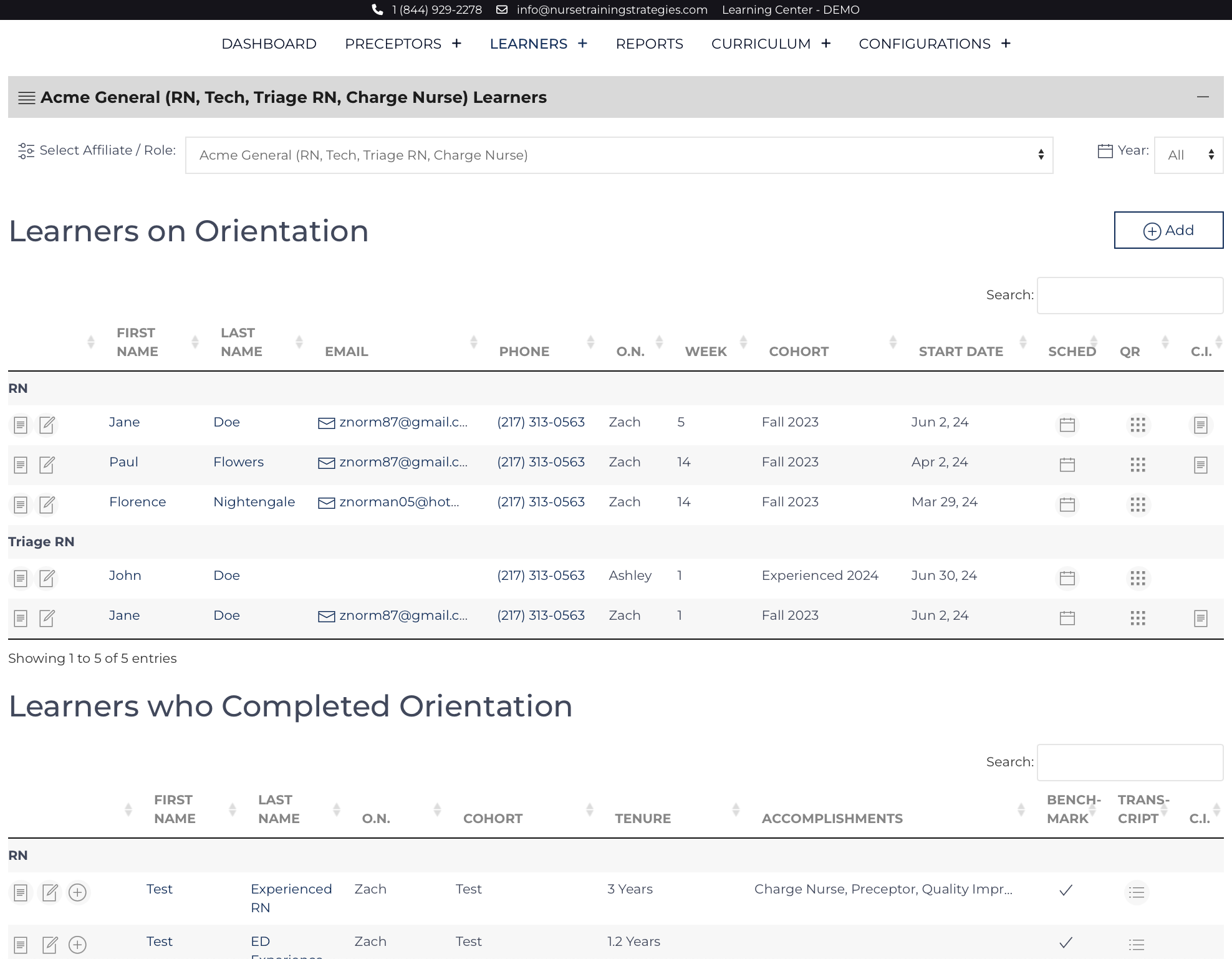
These list views are located on the Colleagues screen, are accessible by the Quick Links on the left, and are searchable and sortable. By default, it is organized by start dates: the newest learners will be on top. Learners whose orientation is complete are displayed on a list view below. The list views are separated into Learners who are orienting for a role[1] and those who have completed orienting for a role.
Refreshing the screen will reset any sorting or searches back to the normal full list of learners. On small screens such as cell phones, some columns will be hidden to minimize scrolling.
- Access the individual Learner’s record by clicking their name or
![view icon]() .
- Edit the individual record by clicking
![edit icon]() .
- The block icon on the right brings up a new window with that Learner’s QR codes for the public pages associated with that Learner. QR codes are only generated for Learners currently on orientation.
Evaluations Article Count: 10
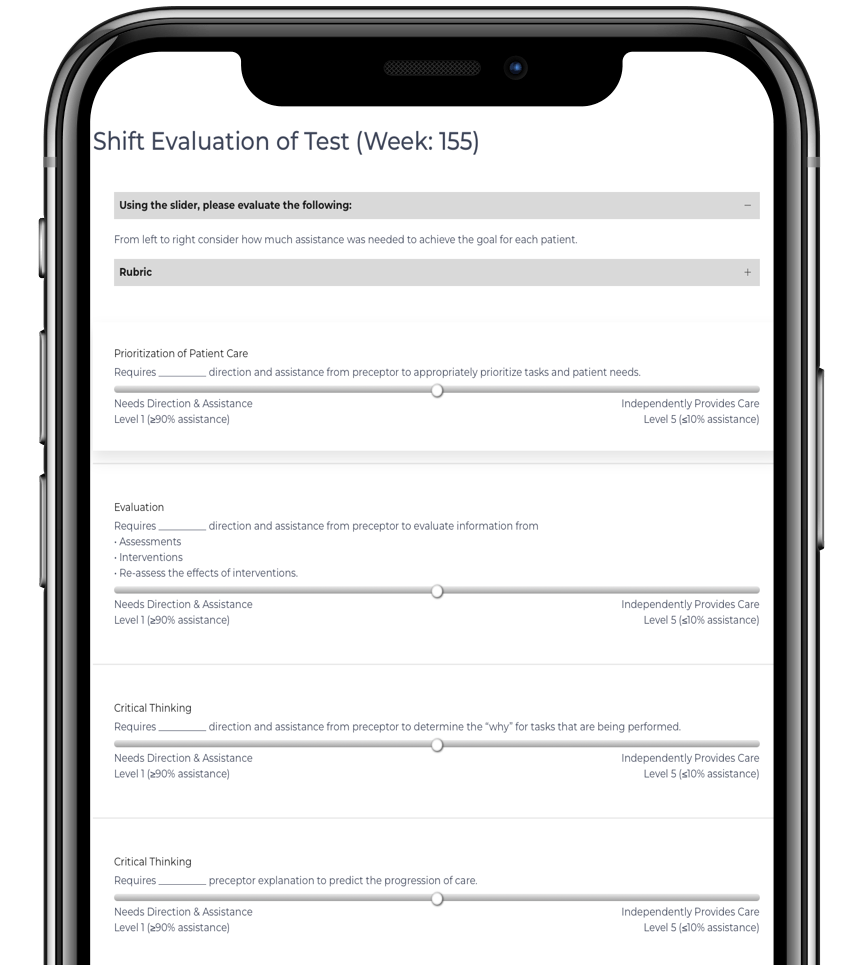
Gaining feedback via Daily Evaluations is a core feature of the Learning Center.
- Daily Evaluations are collected by sending Learners and Preceptors automated reminders to complete the evaluation 1 hour before the end of their scheduled shift.
- Provider Evaluations can be collected via QR Code by invitation.
- Regular review of these evaluations via the Report Card feature, discussion of progress and goals with the Formal Evaluation, and Updating stakeholders using the Learner Update feature.
- Results from Evaluations can be incorporated into various reports and features such as the Learner Action Plan and Leader Update.
- Evaluations are nested records under the associated Learner and linked to Event records.
Reports Article Count: 14
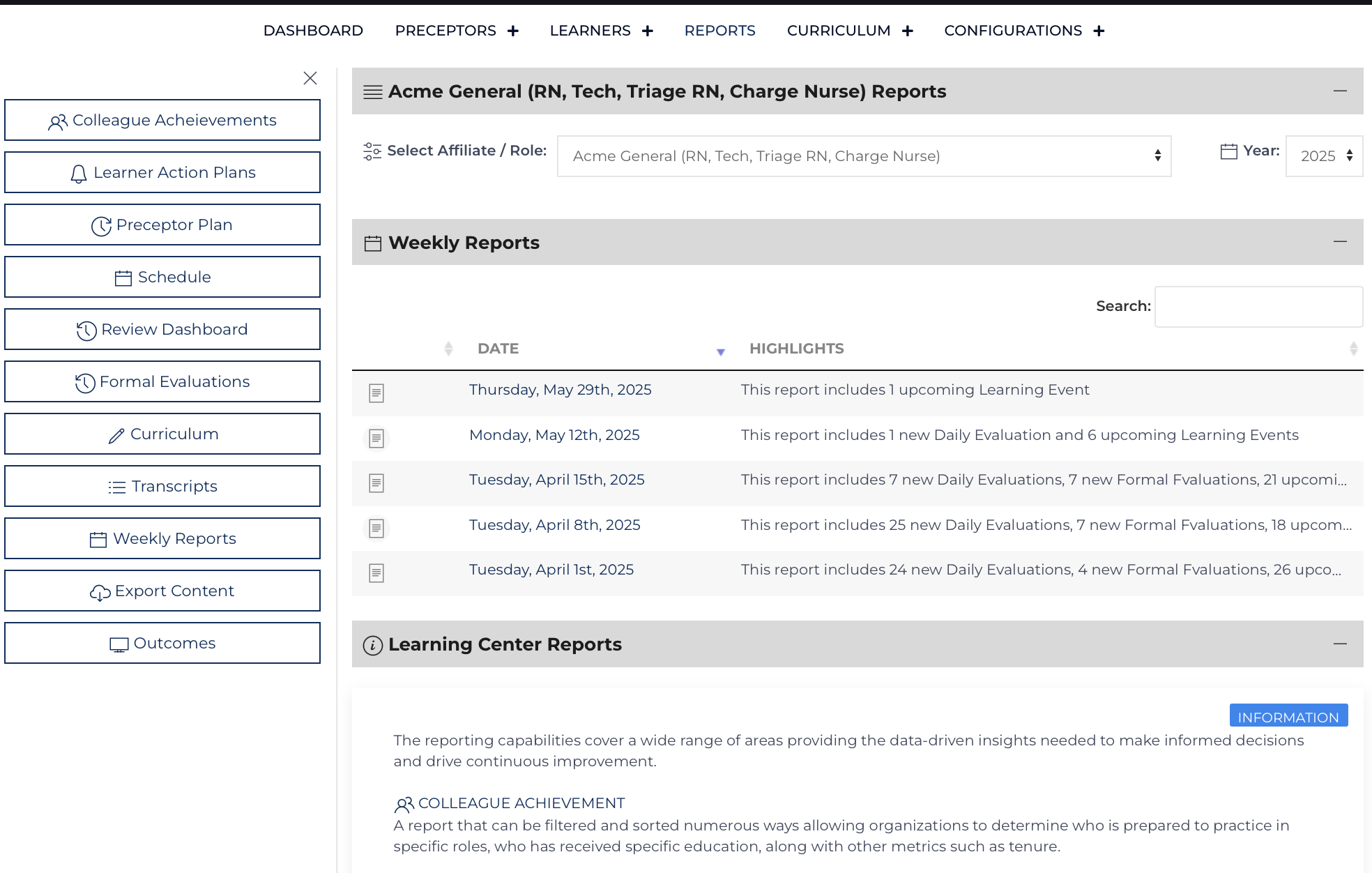
The reporting capabilities cover a wide range of areas, providing the data-driven insights needed to make informed decisions and drive continuous improvement.
A report that can be filtered and sorted in numerous ways, allowing organizations to determine who is prepared to practice in specific roles, who has received specific education, along with other metrics such as tenure.
A group of list views showing Learner Action Plans and their various stages. Learner Action Plans document challenges and interventions to help the colleague get back on track.
A table of all the accomplishments and achievements that have been documented on the Colleague Records that can be sorted and exported to or .
A table of all the Colleague Notes that this user profile can access that can be sorted and exported to or .
A table of all the Assigned, Submitted, and Completed Orientation Documentation that can be sorted and exported to or .
A drag-and-drop visual display of Learners on Orientation for a specific role and the preceptors who will lead their day-to-day orientation.
A tool you can filter, sort, and search to help educators and administrators understand their orientation program's performance and identify future opportunities.
A searchable list view of Formal Evaluations
Evaluation results and the completed orientations that form the benchmark.
A visual and searchable list view of upcoming learning events.
A searchable list view of Learner and Preceptor Transcripts as well as their completed competencies.
A set of three list views that can each be searched and sorted, showing Course instances, completed Clinical Development Grids, and Knowledge Check assignments.
Links to the comprehensive reports that are sent on a designated day each week (Monday-Thursday) to subscribed users regarding upcoming learning, new data that has been collected, and highlights from the previous week.
Five different export options exist to tabulate data from various tables to facilitate further analysis and research, empowering users to delve deeper into the metrics that matter most.
Curriculum Article Count: 12
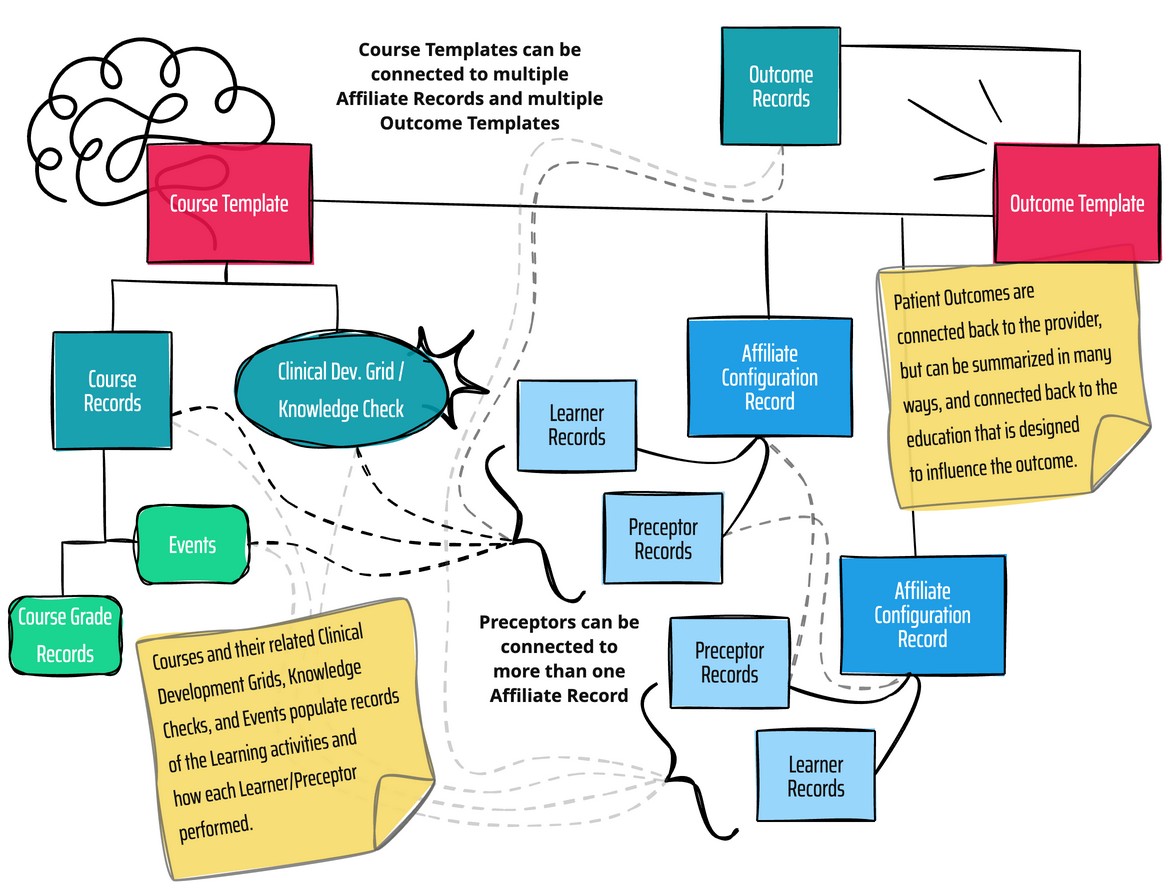
This section covers the pages and views related to creating, maintaining, and displaying learning events that will [generally] repeat for multiple groups of Learners / Preceptors[1]. It starts building the data with Course Template (Curriculum) records. The instances when the learning event is held is a Course record. Finally, each individual Learner and Preceptor have an Event record to fill their schedule. These Event records are converted as they occur to a “Completion” form a Transcript of all the learning that has taken place.
Outcome measures can also be tracked. Outcomes section includes designations for Courses and Topics that was designed to make improvements to an outcome.
The Curriculum, Events, and Outcome sections are an interconnected web of records. Within the Curriculum Section: a Course record is nested under a Course Template record. A series of Event records are then connected to the Course record. Other Events (Shifts / Other) records can be tagged with related Event Topics that relate to an Outcome. Events are tied back to Preceptors and Learners representing the learning that they have accomplished. Finally, the Outcome records are nested under Outcome Template which defines which Course Templates and Topics are related. The Outcome section displays all the records which contributed to developing a Learner / Preceptor’s practice.
Configurations Article Count: 12
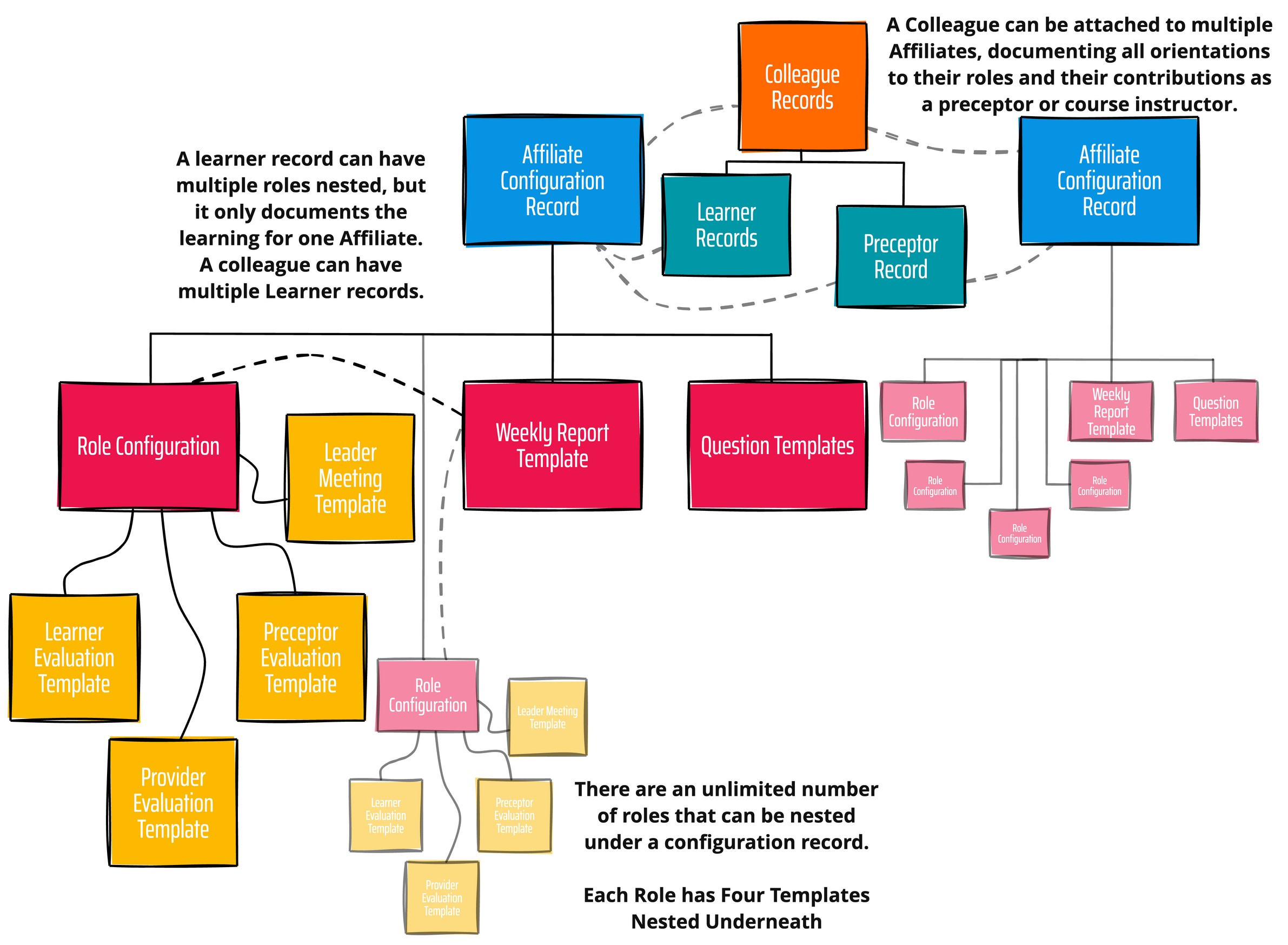
A configuration record organizes, displays, and allows authorized users to update data points on the Configuration records (90 data points), Role records (320 data points), nested underneath, along with templates for the Learner, Preceptor, and Provider Evaluations, as well as the Leader Meeting Template.
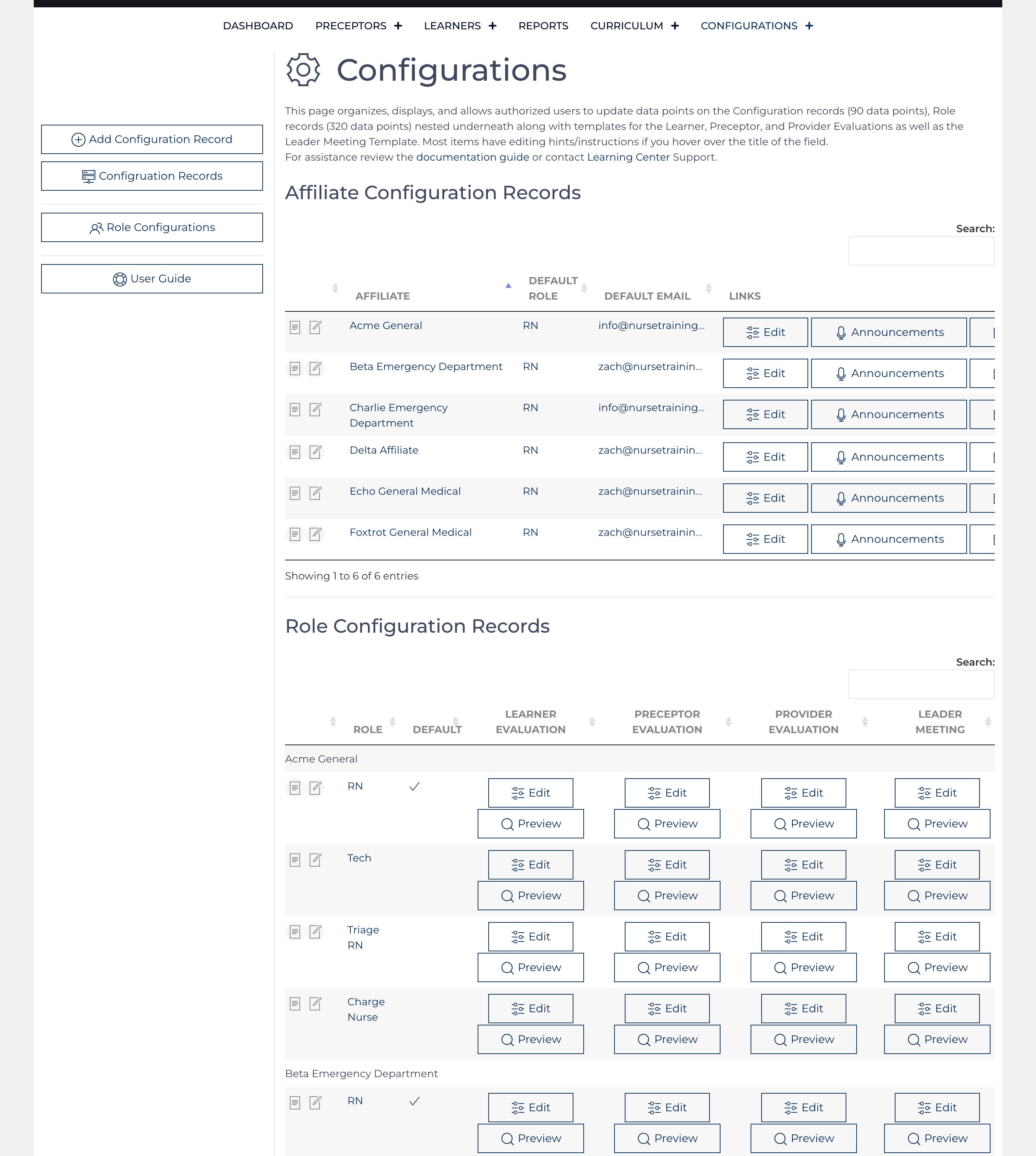
As a best practice, a configuration record should exist for each major job function. For example, Acme General Hospital Emergency Department has a configuration record for the RN and the EMS tech. The RN role includes Role Configuration records for the Bedside RN role, Triage RN role, and Charge RN role. The EMS tech has just one Role Configuration record for the tech role. Once an EMS tech becomes an RN, they will never practice as a tech again; their tech role ends, and a brand new role begins.
Each Affiliate Configuration and Role Configuration record requires a key to be issued by the developer. The original configuration of the Affiliate/Role will be provided with the issue of the key. Without the key, the Learning Center cannot function.
Page 2 of 3